

Jira GitHub Side Panel
2 ratings
)
Overview
Open a contextual Jira side panel while browsing Jira or GitHub.
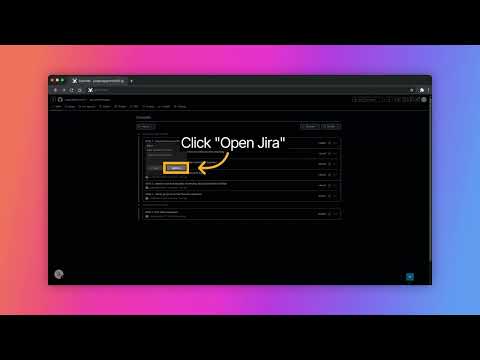
Stay focused. Track Jira issues without leaving your workflow. This extension adds a smart, contextual side panel to your browser while you're working on Jira or GitHub. Instantly view and manage related Jira tickets without switching tabs or breaking your development flow. Key Features 📌 Open a Jira side panel directly from supported pages 🔄 Seamless workflow between Jira and GitHub 🧠 Context-aware panel that activates only when needed ⚡ Faster issue tracking with minimal clicks 🎯 Designed for developers who want fewer context switches Perfect For Frontend & backend developers Engineers working with Jira issue tracking Teams linking GitHub commits and PRs to Jira tickets Anyone tired of constant tab switching 🔒 Privacy First This extension only runs on supported Jira and GitHub domains and does not collect or transmit your data. Update v1.1: Added validation for all input fields to ensure only valid data is saved. Update v1.2: Added a new Pull from URL button to make configuration setup faster and easier. Click Pull from URL on an Atlassian ticket to automatically fetch the Browse URL and Project Keys. Then, open GitHub to automatically populate the Link to Apply To field.
5 out of 52 ratings
Details
- Version1.2.0
- UpdatedJuly 15, 2026
- Offered byArchit Bhargava
- Size483KiB
- LanguagesEnglish
- Developer
Email
architbhrgv@gmail.com - Non-traderThis developer has not identified itself as a trader. For consumers in the European Union, please note that consumer rights do not apply to contracts between you and this developer.
Privacy

This developer declares that your data is
- Not being sold to third parties, outside of the approved use cases
- Not being used or transferred for purposes that are unrelated to the item's core functionality
- Not being used or transferred to determine creditworthiness or for lending purposes
Support
For help with questions, suggestions, or problems, please open this page on your desktop browser