


概述
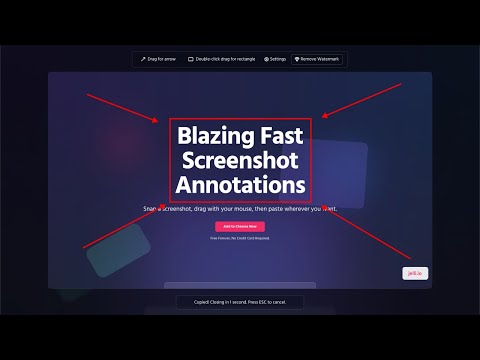
Blazing fast screenshot annotations
Constantly pointing out things on your screen to customers, clients, and coworkers? Jelli is the FASTEST way to annotate a screenshot and paste it anywhere. Hit a hotkey (cmd + shift + s), drag with your mouse to draw, then cmd + v to paste wherever you need. You don't even need to copy it to your clipboard, it's automatic! Need to add text? Just type after drawing, and the text intelligently snaps to the drawn shapes so you don't even have to move it! FAST. Great for: - Explaining things to customers quickly - Adding Documentation - Highlighting bugs - And much more! Currently only works on the Google Chrome browser.
5 星(5 星制)4 个评分
详情
隐私权

“Jelli Screencaps”已就收集和使用用户数据披露了以下信息。 如需了解详情,请查看开发者的privacy policy。
Jelli Screencaps会处理以下数据:
该开发者已声明,您的数据:
- 不会因未获批准的用途出售给第三方
- 不会为实现与产品核心功能无关的目的而使用或转移
- 不会为确定信用度或放贷目的而使用或转移
支持
若有任何疑问、建议或问题,请在桌面浏览器中打开此页面