

Offline JS Playground

Overview
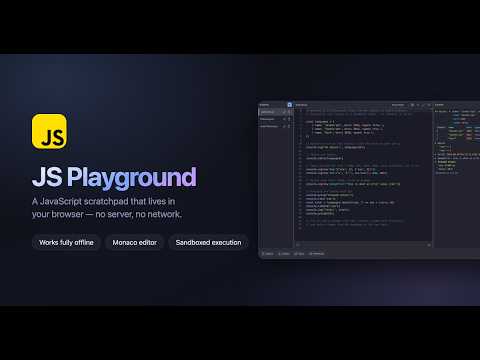
A simple playground to write, run, and test JavaScript snippets, with an in-UI console.
Built for quick experiments, debugging, learning, testing ideas, and working with JavaScript without needing a full development environment. This tool is offline by design, providing a robust JavaScript playground directly within Chrome. Updated Features: - Real Monaco Editor with IntelliSense, syntax highlighting, and code completion - Powerful Console with expandable objects, arrays, Maps, Sets, typed arrays, class instances, console.table, groups, timers, counters, assertions, traces, and preserved stack traces - Multiple Snippets with auto-save, filtering, renaming, reordering, import, and export - JSON Fixtures by naming a snippet .json and loading it with readJSON() - Sandboxed Execution so your code runs in an isolated environment without access to the extension, browser, or current page - Three Flexible Layouts with resizable editor, console, and snippet panels - 20 Themes across light and dark modes, covering the entire interface and checked for WCAG AA contrast - Chrome Sync to keep your snippets available across machines - Keyboard Shortcuts for fast execution, saving, console management, and more - Fullscreen & Focus Mode when you just want to code Offline by design. JavaScript playground, right in Chrome.
0 out of 5No ratings
Details
- Version1.3.0
- UpdatedAugust 19, 2026
- Offered bySuman Hansada
- Size2.12MiB
- LanguagesEnglish
- Developer
Email
suman.hansada@gmail.com - Non-traderThis developer has not identified itself as a trader. For consumers in the European Union, please note that consumer rights do not apply to contracts between you and this developer.
Privacy

This developer declares that your data is
- Not being sold to third parties, outside of the approved use cases
- Not being used or transferred for purposes that are unrelated to the item's core functionality
- Not being used or transferred to determine creditworthiness or for lending purposes
Support
For help with questions, suggestions, or problems, visit the developer's support site