

IPP / CUPS printing for Chrome & Chromebooks

Ringkasan
Local network printing for Chrome and Chromebooks
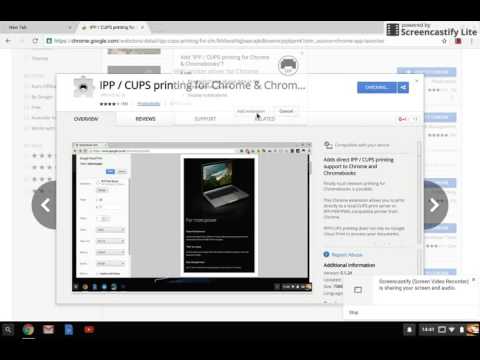
Finally reliable local network printing for Chromebooks is possible. This Chrome extension allows you to print directly to compatible network printers or a CUPS print server from Chrome and Chromebooks. No Cloud Print required. Key features: Multiple printer support Printer compatibility check Offline help page Landscape, multiple copy printing Now supports more printers via PWG and Unirast (Airprint) formats Known limitations: It does not automatically find printers on the network, you need to know the IP address and IPP path for the printer (consult your printer documentation & help section in the extension). ** Search the store for 'WiFi printer driver for Chromebooks' which offers auto-detection of printers ** Your feedback and bug reports are welcome: help@directprint.io CUPS, Airprint and the CUPS logo are trademarks of Apple Inc. PLEASE NOTE that this application is not affiliated with or supported by Google or any of the printer manufacturers whose printer models are listed above.
3,2 dari 5368 rating
Detail
- Versi0.1.34
- Diupdate22 November 2019
- Ukuran1.25MiB
- BahasaEnglish (United Kingdom)
- DeveloperYoumebee LtdSitus Web
The Gate Keppoch Street Cardiff CF243JW GBEmail
help@directprint.ioTelepon
+44 7961 053971 - PedagangDeveloper ini telah mengidentifikasi diri sebagai pedagang berdasarkan definisi dari Uni Eropa dan berkomitmen untuk hanya menawarkan produk atau layanan yang mematuhi hukum Uni Eropa.
- D-U-N-S221809124
Privasi

Dukungan
Untuk mendapatkan bantuan terkait pertanyaan, saran, atau masalah, buka halaman ini di browser desktop Anda