

IPP / CUPS printing for Chrome & Chromebooks

Yleiskatsaus
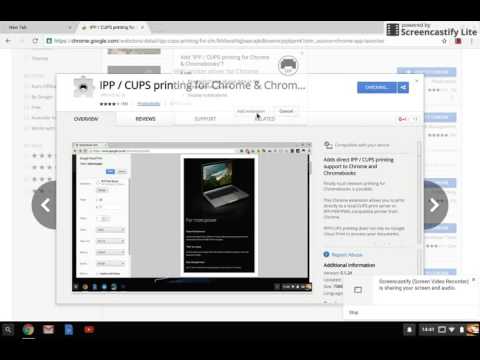
Local network printing for Chrome and Chromebooks
Finally reliable local network printing for Chromebooks is possible. This Chrome extension allows you to print directly to compatible network printers or a CUPS print server from Chrome and Chromebooks. No Cloud Print required. Key features: Multiple printer support Printer compatibility check Offline help page Landscape, multiple copy printing Now supports more printers via PWG and Unirast (Airprint) formats Known limitations: It does not automatically find printers on the network, you need to know the IP address and IPP path for the printer (consult your printer documentation & help section in the extension). ** Search the store for 'WiFi printer driver for Chromebooks' which offers auto-detection of printers ** Your feedback and bug reports are welcome: help@directprint.io CUPS, Airprint and the CUPS logo are trademarks of Apple Inc. PLEASE NOTE that this application is not affiliated with or supported by Google or any of the printer manufacturers whose printer models are listed above.
3,2/5368 arvostelua
Tiedot
- Versio0.1.34
- Päivitetty22. marraskuuta 2019
- Koko1.25MiB
- KieletEnglish (United Kingdom)
- KehittäjäYoumebee LtdSivusto
The Gate Keppoch Street Cardiff CF243JW GBSähköposti
help@directprint.ioPuhelin
+44 7961 053971 - ElinkeinonharjoittajaKehittäjä on ilmoittanut olevansa Euroopan unionin määritelmän mukainen elinkeinonharjoittaja ja sitoutunut tarjoamaan vain EU:n lakien mukaisia tuotteita tai palveluita.
- DUNS-numero221809124
Tietosuoja

Tuki
Jos sinulla on kysymyksiä, ehdotuksia tai ongelmia, avaa tämä sivu tietokoneen selaimella