

Instagram Chat Downloader & DM Export
7 ratings
)
Overview
Export one Instagram conversation to files created in your browser.
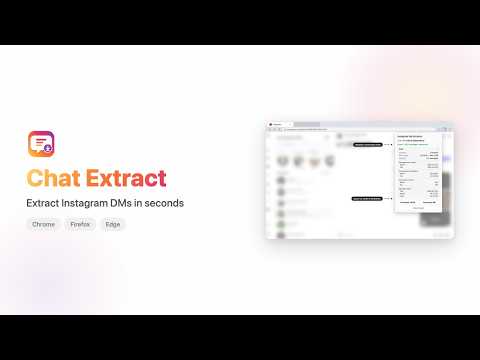
Save a copy of one DM conversation from your own account to your computer. Choose a date range, extract the messages, and keep the result on your computer. The extension also reports local statistics, including messages per sender, date range, response time, and message types. Data handling: - The extension runs only on `https://www.instagram.com/*`. - It uses two first-party session cookies to request message data from the site's HTTPS API. - It processes messages, usernames, timestamps, reactions, links, and media URLs in your browser. - The PDF flow uses `chrome.storage.local` for one pending export. The print page removes that data after reading it. - The developer does not receive conversation data or analytics. - An opened HTML or PDF export can request message media from Meta hosts or Giphy. - The popup and exported HTML include an optional link to a related extension's Chrome Web Store page. It does not install anything or affect exports. How to use it: 1. Sign in on the supported website and open a DM conversation. 2. Select the extension icon. 3. Choose a date range and select Extract Messages. 4. Choose an export format. Source and privacy policy: https://github.com/rohanbalkondekar/instagram-dm-extractor This independent extension is not affiliated with, endorsed by, or sponsored by Meta.
4.4 out of 57 ratings
Details
- Version2.4.2
- UpdatedAugust 24, 2026
- Size54.85KiB
- LanguagesEnglish
- Developer
Email
rohan.balkondekar@gmail.com - Non-traderThis developer has not identified itself as a trader. For consumers in the European Union, please note that consumer rights do not apply to contracts between you and this developer.
Privacy

Instagram Chat Downloader & DM Export has disclosed the following information regarding the collection and usage of your data. More detailed information can be found in the developer's privacy policy.
Instagram Chat Downloader & DM Export handles the following:
This developer declares that your data is
- Not being sold to third parties, outside of the approved use cases
- Not being used or transferred for purposes that are unrelated to the item's core functionality
- Not being used or transferred to determine creditworthiness or for lending purposes
Support
For help with questions, suggestions, or problems, visit the developer's support site