

Image to Prompt - AI Image Prompt Extractor
2 ratings
)
Overview
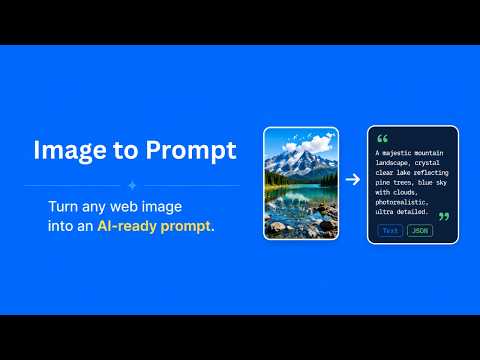
Turn any web image into an AI-ready prompt with style or content focus, one-click extraction, and text or JSON export.
Image to Prompt is a browser extension for turning web images into AI-ready text prompts. It helps creators, designers, and marketers analyze visual references directly in the browser, then convert them into structured descriptions for AI image generators such as ChatGPT, Gemini, Midjourney, Stable Diffusion, or similar tools. Instead of manually describing composition, subject, lighting, color, mood, and style, you can start from an existing image and generate a clear result in seconds. The extension is useful for mood boards, visual-style research, product-shot references, social content ideas, and saving inspiration while browsing. How to Use Using the extension is simple: 1. Open a page that contains an image you want to analyze. 2. Click the AI button shown in the image, or right-click the image and choose “Image to Prompt.” 3. Copy the generated result for your image generation. PS: You can also choose whether the output should focus more on style or content on the extension pop-out panel. Image to Prompt is designed for a simple, browser-native workflow: find an image, extract its visual details, and reuse the result in your preferred AI art or image generation process. In-App Purchases Our Extension is a freemium product with a nominal subscription fee. With a paid subscription, users can extract up to 200 image prompts per month and receive premium support. The exact cost is displayed in the extension's interface, ensuring transparency and ease of understanding. Data Privacy We use Google Sign-In only for authentication. We do not collect your Google password or other personal Google account information. We do not store processed images, generated prompts, browsing history, or detailed usage activity. When needed, we only keep minimal account and quota information required to manage monthly limits and subscription access.
5 out of 52 ratings
Details
- Version1.0.0
- UpdatedMay 31, 2026
- Offered byfoheklor
- Size2.63MiB
- Languages54 languages
- Developer
Email
support@extensionsbox.com - Non-traderThis developer has not identified itself as a trader. For consumers in the European Union, please note that consumer rights do not apply to contracts between you and this developer.
Privacy

Image to Prompt - AI Image Prompt Extractor has disclosed the following information regarding the collection and usage of your data. More detailed information can be found in the developer's privacy policy.
Image to Prompt - AI Image Prompt Extractor handles the following:
This developer declares that your data is
- Not being sold to third parties, outside of the approved use cases
- Not being used or transferred for purposes that are unrelated to the item's core functionality
- Not being used or transferred to determine creditworthiness or for lending purposes
Support
For help with questions, suggestions, or problems, please open this page on your desktop browser