

Image Forward
Overview
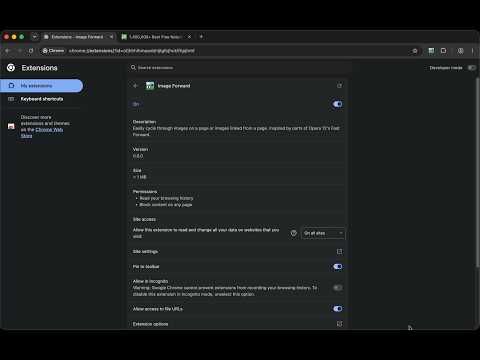
Easily cycle through images on a page or images linked from a page. Inspired by parts of Opera 12's Fast Forward.
Image Forward ============= A webextension to easily go through images embedded on or linked from a web page. Note for Chrome --------------- Keyboard shortcuts are not automatically set up. You need to do that manually on the extension page in settings. These are the default ones: - Abort cycling through images and go back to page of origin: Ctrl+Shift+B - Show first/next image embedded in page: Ctrl+Shift+Space - Show first/next image linked from page: Ctrl+Space Example ------- If you are on `page_one` that contains 3 images, you can press `Ctrl-Shift-Space` to load `image_one` as if you had right clicked it and chosen `View Image`. Press again and `image_two` is loaded (without having to go back to `page_one` and click on it), again and `image_three` is loaded. One more press will bring you back two `page_one`. At any time you could have pressed `Ctrl-Shift-B` to go straight back to `page_one`. Images are only loaded if they are bigger than what's configured in the add-on's options, otherwise they are skipped. A real example where you can do this is https://en.wikipedia.org/wiki/Wallpaper. Similarly, if you are on `page_two` that links to a bunch of images, you can press `Ctrl-Space` to load first `image.jpg`, then `image.png` and then go back to `page_two`. The images that are loadable are determined by a regular expression that you can configure in the options. Add `tiff` to also load any tiff image or match any page that you want to load. An example where this works is https://en.wikipedia.org/wiki/Wallpaper which however contains links to pages instead of images. But if you are on a page that links to actual images you will see those. Due to conflicts, you can use `Alt-Shift-Space` and `Alt-Space` instead of the default shortcuts to load images on Mac and `Ctrl-Shift-X` to go back in Windows. Inspired by parts of Opera 12's Fast Forward. Feedback -------- You can report bugs or make feature requests on https://github.com/sblask/webextension-image-forward Patches are welcome.
0 out of 5No ratings
Details
- Version3.0.1
- UpdatedSeptember 15, 2026
- Offered bySebastian Blask
- Size95.84KiB
- LanguagesEnglish
- Developer
Email
seb.blask@gmail.com - Non-traderThis developer has not identified itself as a trader. For consumers in the European Union, please note that consumer rights do not apply to contracts between you and this developer.
Privacy

This developer declares that your data is
- Not being sold to third parties, outside of the approved use cases
- Not being used or transferred for purposes that are unrelated to the item's core functionality
- Not being used or transferred to determine creditworthiness or for lending purposes
Support
For help with questions, suggestions, or problems, please open this page on your desktop browser