

TrimTube - Hide YouTube Distractions

Overview
Hide recommendations, comments, and other distractions on YouTube so you can just watch what you came for.
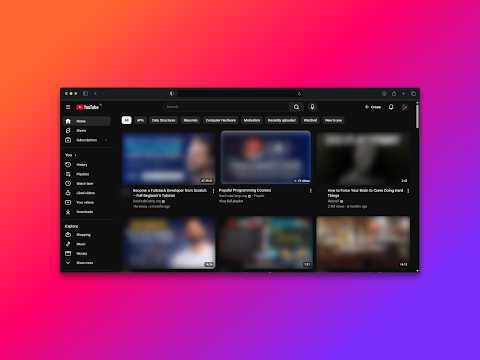
TrimTube helps you stay focused on YouTube by removing distracting page elements. Features: - Focus modes: Deep Focus, Learning, Minimal, and Custom - Hide Home Feed and recommended videos - Hide Shorts and Shorts shelves - Hide comments, live chat, and video sidebar - Disable autoplay and annotations - Optional full-focus watch layout - Optional thumbnail blur - Keyboard shortcut for Full Focus toggle (Alt+Shift+F) How it works: - Runs only on youtube.com pages - Applies your chosen visibility and focus settings locally - Syncs preferences using Chrome storage
0 out of 5No ratings
Details
- Version1.0.0
- UpdatedApril 8, 2026
- Offered byBiswajit Rath
- Size41.34KiB
- LanguagesEnglish (United States)
- Developer
Email
work.biswajitrath@gmail.com - Non-traderThis developer has not identified itself as a trader. For consumers in the European Union, please note that consumer rights do not apply to contracts between you and this developer.
Privacy

This developer declares that your data is
- Not being sold to third parties, outside of the approved use cases
- Not being used or transferred for purposes that are unrelated to the item's core functionality
- Not being used or transferred to determine creditworthiness or for lending purposes
Support
For help with questions, suggestions, or problems, please open this page on your desktop browser