


概要
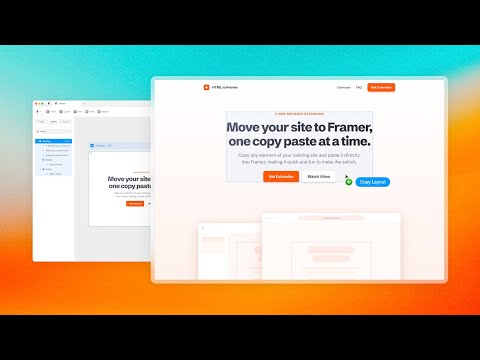
Bring your own website into Framer with a few clicks. Simply copy and paste web elements and edit them directly in Framer.
Once you have installed the extension, simply hover over any element such as text, images, buttons, or entire layouts. Click to copy, then go to Framer and press ⌘V (or Ctrl V on Windows) to paste. Your elements will be pasted with a clean layer hierarchy, ready to be further edited or published immediately within Framer. Pro tip: Hold Shift to copy multiple items for even greater speed. To select a parent element of a site item, press Esc while hovering over it. Framer is where teams design and publish stunning sites. Try it for free today at framer.com
5 点満点で 4.546 件の評価
詳細
プライバシー

HTML to Framer から、お客様のデータの収集と使用に関する以下の情報が開示されています。 詳しくは、デベロッパーの privacy policy をご確認ください。
HTML to Framer は次を扱います。
このデベロッパーは、お客様のデータについて以下を宣言しています
- 承認されている以外の用途で第三者に販売しないこと
- アイテムの中心機能と関係のない目的で使用または転送しないこと
- 信用力を判断する目的または融資目的で使用または転送しないこと
サポート
質問や提案、問題がある場合は、デベロッパーのサポートサイトにアクセスしてください。