

Webtoon Portrait Mode
2 ratings
)
Overview
Adjusts Webtoon images to fit vertical screens, removes side borders, and adds a Zen reading mode.
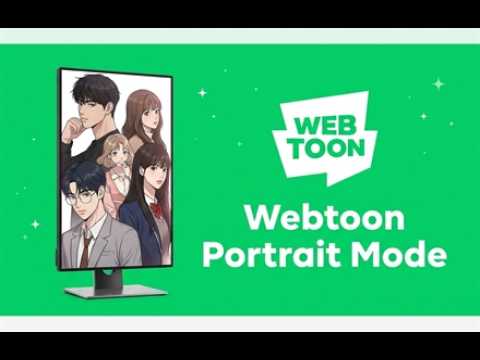
Optimize and enhance your Webtoon reading experience on desktop and vertical monitors! Reading vertical webtoons on wide desktop monitors often results in small comic panels sandwiched between massive black borders, forcing you to constantly squint or manually zoom in. Webtoon Portrait Mode solves this by automatically resizing Webtoon images to perfectly fill your viewport width. Updated Version 2.0 - Added support for Naver Webtoon Korea. - Improved dark background readability on Naver Webtoon pages. - Fixed black text on dark backgrounds in menus, search fields, episode controls, and comment areas. - Fixed missing Naver thumbnails after changing the reader background color. - Added Korean popup localization. - Kept all settings local with no analytics, tracking, or remote code.
5 out of 52 ratings
Details
- Version2.0
- UpdatedJuly 20, 2026
- Size71.43KiB
- Languages3 languages
- Developer
Email
nnattakitts@gmail.com - Non-traderThis developer has not identified itself as a trader. For consumers in the European Union, please note that consumer rights do not apply to contracts between you and this developer.
Privacy

This developer declares that your data is
- Not being sold to third parties, outside of the approved use cases
- Not being used or transferred for purposes that are unrelated to the item's core functionality
- Not being used or transferred to determine creditworthiness or for lending purposes