


Overview
Save any page, selection, or image straight to your CleverNote memory in one click.
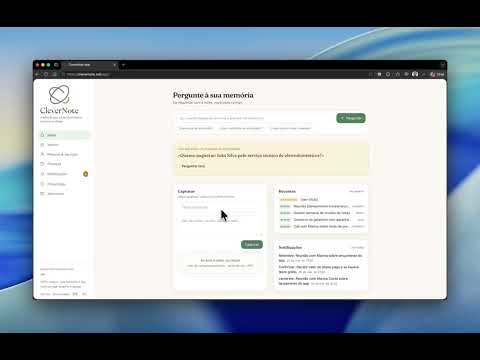
CleverNote Web Clipper saves what you are looking at straight to your CleverNote account, in one click. Two ways to use it: - Click the toolbar button to save the current page (including your selected text, if any). - Right-click a selection, a link, or an image to save just that. Text and pages become notes. Images are saved and turned into searchable text inside CleverNote, so you can find them later. Privacy by design: - You connect once and the extension receives a dedicated, revocable token, not your login session. - It only sends the content you choose to capture. It cannot read, list, or delete anything in your account. - You can revoke access anytime in CleverNote (Privacy, Connected apps). Requires a CleverNote account (clevernote.net).
0 out of 5No ratings
Details
- Version0.1.4
- UpdatedJuly 18, 2026
- Size73.88KiB
- LanguagesEnglish
- DeveloperLeonardo Bruno Bentes Araujo LimaWebsite
100 Reunion Loop Northwest Airdrie, AB T4B 4J6 CAEmail
hello@clevernote.netPhone
+1 780-709-7905 - TraderThis developer has identified itself as a trader per the definition from the European Union and committed to only offer products or services that comply with EU laws.
Privacy

CleverNote Web Clipper has disclosed the following information regarding the collection and usage of your data. More detailed information can be found in the developer's privacy policy.
CleverNote Web Clipper handles the following:
This developer declares that your data is
- Not being sold to third parties, outside of the approved use cases
- Not being used or transferred for purposes that are unrelated to the item's core functionality
- Not being used or transferred to determine creditworthiness or for lending purposes
Support
For help with questions, suggestions, or problems, visit the developer's support site