

padmonk: Mouse & Keyboard for Xbox Cloud Gaming
12 ratings
)
Overview
Mouse and keyboard controls for Xbox Cloud Gaming: aim tuning, remapping, named profiles, and per-game defaults. No telemetry.
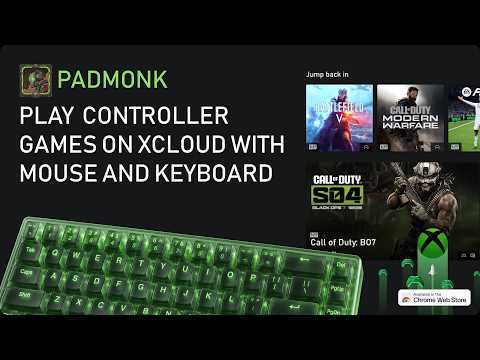
Play Xbox Cloud Gaming with mouse and keyboard through a virtual Xbox controller—no drivers or desktop helper needed. Map keys, mouse buttons, and wheel input to Xbox controls. Tune stick-style mouse aim with look speed, smoothing, deadzone lift, fine aim boost, and invert Y. Lock your pointer on click, release it with Esc, and keep your preferred bindings ready with named control profiles. Give each game its own default profile so padmonk loads your preferred setup when you return. Use Mapping to manage detected games, refresh cover art, reset assignments, and launch directly into Xbox Cloud Gaming. Your controls stay in browser storage. No account. No telemetry. Desktop Chrome or Edge required. Xbox Cloud Gaming availability, subscription, and game support remain subject to Xbox and regional availability.
5 out of 512 ratings
Details
- Version1.0.1 (build e260c28·20260905.1433)
- UpdatedSeptember 5, 2026
- Size807KiB
- Languages16 languages
- Developer
Email
imesskayesss@gmail.com - Non-traderThis developer has not identified itself as a trader. For consumers in the European Union, please note that consumer rights do not apply to contracts between you and this developer.
Privacy

This developer declares that your data is
- Not being sold to third parties, outside of the approved use cases
- Not being used or transferred for purposes that are unrelated to the item's core functionality
- Not being used or transferred to determine creditworthiness or for lending purposes
Support
For help with questions, suggestions, or problems, visit the developer's support site