

Hide My Sidebar – Blur ChatGPT, Gemini & AI Sidebars
5 ratings
)
Overview
Protect your AI prompts during screen sharing and in public.
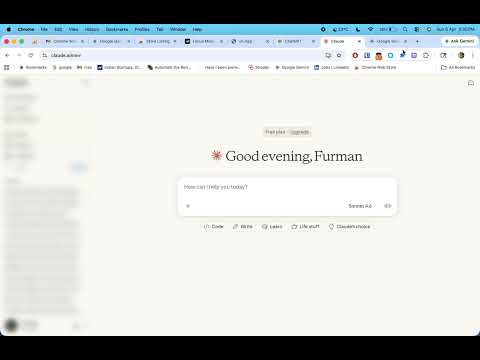
This lightweight Chrome extension lets you hide or blur sidebar panels and chat history across popular AI tools and productivity apps — giving you a distraction-free experience instantly. Whether you're working in ChatGPT, coding in Replit, designing in Figma, or writing in Notion, sidebars can quickly become cluttered and distracting and a privacy/chat leakage during the Screensharing This extension puts you back in control. Key Features Hide Sidebar Instantly Remove chat history and side panels with a single click for a clean UI. Blur Mode (Privacy + Focus) Blur sensitive content like chat titles or project names without removing the sidebar completely. Multi-Gen AI Plateform Support Smart Detection Automatically detects supported sites and applies your preferred settings. Toggle Anytime Easily switch between: Visible Hidden Blurred Lightweight & Fast No lag, no clutter, minimal permissions. Privacy First No tracking, no data collection — everything runs locally in your browser.
5 out of 55 ratings
Details
- Version2.0.0
- UpdatedAugust 4, 2026
- Offered byfurman
- Size87.42KiB
- LanguagesEnglish (United Kingdom)
- DeveloperFurman Khan
Okhla Head Rd Okhla Village, Okhla New Delhi, Delhi 110025 INEmail
khan.furman@yahoo.com - Non-traderThis developer has not identified itself as a trader. For consumers in the European Union, please note that consumer rights do not apply to contracts between you and this developer.
Privacy

This developer declares that your data is
- Not being sold to third parties, outside of the approved use cases
- Not being used or transferred for purposes that are unrelated to the item's core functionality
- Not being used or transferred to determine creditworthiness or for lending purposes
Support
For help with questions, suggestions, or problems, visit the developer's support site