

Hide AI Chat History

Overview
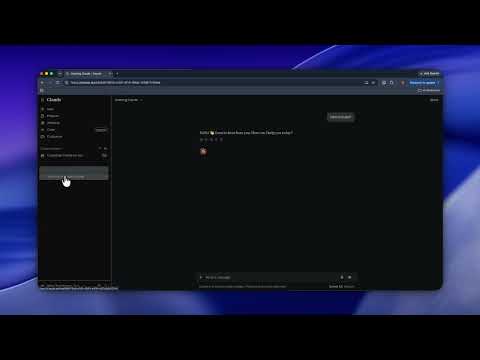
Hides chat titles in AI chat sidebars. Hover a row to reveal it.
Hide AI Chat History hides the titles in your chat history sidebar on ChatGPT, Claude, Gemini and Grok. Hover over a chat to see its title. It's meant for when you're sharing your screen or someone is looking over your shoulder, and you'd rather they didn't see what you've been asking an AI. How it works • Titles are hidden from the moment the page loads. • A title comes back when you hover over it, tab to it with the keyboard, or open that chat's menu to rename or delete it. • Your chats aren't deleted or changed. The extension only hides their titles on screen. • Click the extension's icon to turn hiding off everywhere, or just for certain sites. Privacy Hide AI Chat History doesn't collect or send any data. It only runs on the four sites above, and it uses its one permission, storage, to save your on/off settings. Saved you an awkward screen share? You can buy me a coffee at ko-fi.com/swerami
0 out of 5No ratings
Details
- Version0.1.1
- UpdatedOctober 6, 2026
- Size22.52KiB
- LanguagesEnglish
- Developer
Email
ramihyassin@gmail.com - Non-traderThis developer has not identified itself as a trader. For consumers in the European Union, please note that consumer rights do not apply to contracts between you and this developer.
Privacy

This developer declares that your data is
- Not being sold to third parties, outside of the approved use cases
- Not being used or transferred for purposes that are unrelated to the item's core functionality
- Not being used or transferred to determine creditworthiness or for lending purposes
Support
For help with questions, suggestions, or problems, visit the developer's support site