


Overview
Open DiffFind in a dedicated application window, or return to the one you already have open.
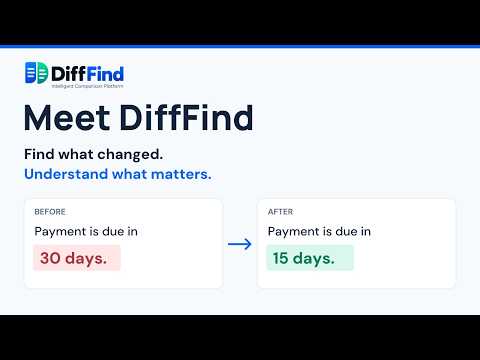
Open DiffFind in its own window from your toolbar. Works with the hosted app or your self-hosted instance. Detailed description: DiffFind: find what changed, understand what matters. The DiffFind Chrome extension puts DiffFind one click away. Open it in its own dedicated window from the toolbar, keep your comparison exactly as you left it, and jump straight back to it any time. FEATURES • One-click access to DiffFind from the Chrome toolbar • Opens in a focused, app-style window, separate from your tabs • Launching again returns you to your existing window, with no duplicates • Self-hosting support: point the extension at your own DiffFind instance (for example https://difffind.example.com) from the Configure page • No account, no tracking, no extra permissions HOW TO USE 1. Click the DiffFind icon in the toolbar, then Open DiffFind. 2. Self-hosting? Click Configure, enter your DiffFind URL, and Save.
5 out of 51 rating
Details
- Version0.1.0
- UpdatedOctober 3, 2026
- Size289KiB
- LanguagesEnglish (United States)
- DeveloperWebsite
Email
stephenpince@gmail.com - Non-traderThis developer has not identified itself as a trader. For consumers in the European Union, please note that consumer rights do not apply to contracts between you and this developer.
Privacy

This developer declares that your data is
- Not being sold to third parties, outside of the approved use cases
- Not being used or transferred for purposes that are unrelated to the item's core functionality
- Not being used or transferred to determine creditworthiness or for lending purposes
Support
For help with questions, suggestions, or problems, visit the developer's support site