


Overview
Add a retro-styled transparent circle around your mouse cursor
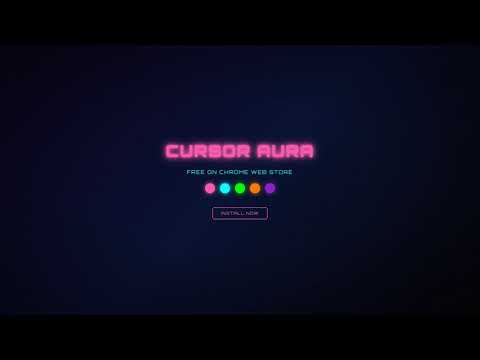
Cursor Aura adds a customizable glowing circle that follows your mouse cursor across every website. FEATURES • 5 neon colors: Pink, Cyan, Lime, Orange, Purple • One-click toggle on/off • Settings sync across all your tabs • Retro-styled popup with CRT effects • Lightweight - no slowdown HOW TO USE 1. Click the Cursor Aura icon in your toolbar 2. Flip the switch to turn it on 3. Pick your color 4. Vibe Your settings are saved automatically. Works on all websites. Perfect for screen recordings, presentations, or just adding some personality to your browsing.
0 out of 5No ratings
Details
- Version1.0.0
- UpdatedMay 14, 2026
- Size14.03KiB
- LanguagesEnglish
- Developer
- Non-traderThis developer has not identified itself as a trader. For consumers in the European Union, please note that consumer rights do not apply to contracts between you and this developer.
Privacy

Manage extensions and learn how they're being used in your organization
The developer has disclosed that it will not collect or use your data.
This developer declares that your data is
- Not being sold to third parties, outside of the approved use cases
- Not being used or transferred for purposes that are unrelated to the item's core functionality
- Not being used or transferred to determine creditworthiness or for lending purposes
Support
For help with questions, suggestions, or problems, visit the developer's support site