

概要
Generate E2E or BDD tests in 4 steps
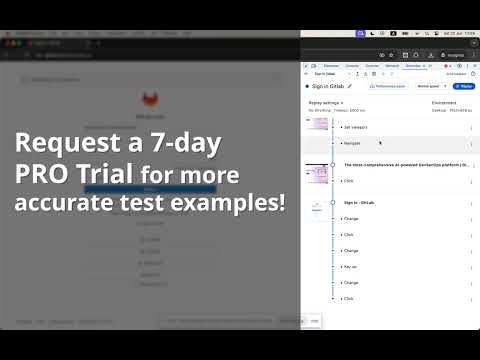
Usage 1) Open DevTools by right-clicking on any page and selecting "Inspect" or by pressing "Ctrl + Shift + I". 2) Go to the "Recorder" tab. 3) Choose existing recording or create a new one. 4) Click the "Export" button. Select from "Export via extensions" one of the following options: - Export as Jest tests - Export as Jasime tests - Export as MochaJS tests - Export as React Testing Library tests - Export as RSpec/Capybara E2E tests - Export as RSpec/Capybara/SitePrism E2E tests - Export as Cucumber/Gherkin BDD tests - Export as Cucumber/Cypress/Gherkin BDD tests - Export as CucumberJVM/Gherkin BDD tests - Export as JBehave/Gherkin BDD tests - Export as Lettuce/Gherkin BDD tests Wait for the extension to process the recording and generate the test example with ChatGPT. Troubleshooters 1) Don't see "Export via extensions" options. How to export recordings? Unfortunately, this is related to Chrome issues. To solve this, you can change the position of the "Dock side" or the height of the panel if it is at the bottom or change chrome tab.
5 点満点で 51 件の評価
詳細
プライバシー
このデベロッパーは、お客様のデータについて以下を宣言しています
- 承認されている以外の用途で第三者に販売しないこと
- アイテムの中心機能と関係のない目的で使用または転送しないこと
- 信用力を判断する目的または融資目的で使用または転送しないこと
サポート
質問や提案、問題がある場合は、デベロッパーのサポートサイトにアクセスしてください。