

Google Search Result Cleaner – Block Sites from Results
Overview
Hide low-quality and spammy sites from Google Search results. Add any domain to your block list in one click.
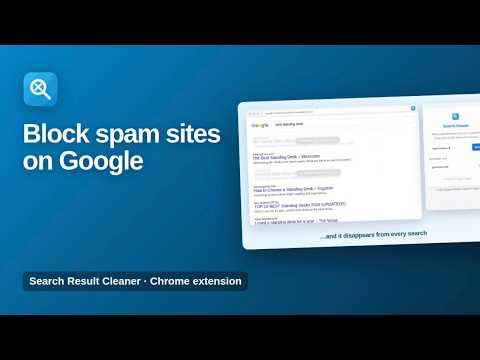
Hide low-quality, spammy and AI-generated content farms from your Google Search results, for good. Google Search Result Cleaner lets you build your own block list. Add a domain once and its results disappear from every Google search you make, so you only see sites you trust. ★ Block any site Type a domain such as pinterest.com or quora.com and click Block. Its results are hidden from Google Search immediately. ★ Manage your list See every blocked domain in one place and remove any of them with one click. ★ Works on every search Applies to regular Google Search results automatically, with no extra clicks. ★ Lightweight No accounts, no tracking and no slowdown. How to use 1. Click the extension icon. 2. Enter a domain you don't want to see and click Block. 3. Search on Google as usual. Available in English, Spanish, Portuguese, German, French and Turkish. Private by design Your block list is stored on your own device. The extension does not read or collect your searches and sends nothing anywhere. More information: https://www.extensions.kominikee.com/google-search-result-cleaner/
0 out of 5No ratings
Details
- Version1.2
- UpdatedOctober 22, 2026
- Size21.23KiB
- Languages6 languages
- DeveloperKominike DigitalWebsite
Esentepe, Büyükdere Cd. No:12 Mecidiyeköy, İstanbul 34200 TREmail
hello@kominikee.com - Non-traderThis developer has not identified itself as a trader. For consumers in the European Union, please note that consumer rights do not apply to contracts between you and this developer.
Privacy

This developer declares that your data is
- Not being sold to third parties, outside of the approved use cases
- Not being used or transferred for purposes that are unrelated to the item's core functionality
- Not being used or transferred to determine creditworthiness or for lending purposes
Support
For help with questions, suggestions, or problems, please open this page on your desktop browser