


概要
Attendance sheet from a Google Meet meeting.
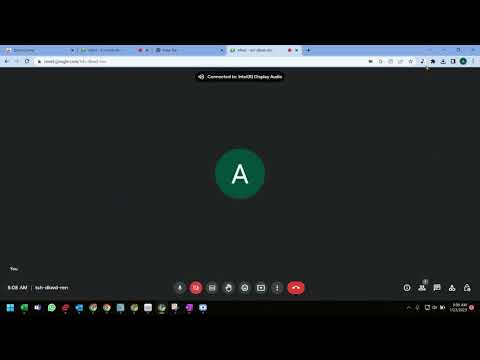
️⬇️ Easy to set up ⬇️: 1. Install and pin 📌 the extension, log in to your google account and sync your Chrome browser. 2. Select the participants' view in Google Meet, accept the permissions, close and reopen the people to capture attendance. 3. Click the Attendance icon of the extension to open the attendance spreadsheet. 4. Attendance along with the attended duration will be exported in a spreadsheet. ✨Features ✨ Auto features of the extension include: 1. Add a sheet in the spreadsheet. 2. Create a new spreadsheet. 3. Turn Attendance collection off. 4. Auto scroll through participants. 5. Snapshot attendance. With this extension, you will be able to auto-record the attendance of the participants in a google spreadsheet. This extension will let you re-size the browser's window 💻 in order to emulate various resolutions.
5 点満点で 52 件の評価
詳細
- バージョン1.0.0
- 更新:2023年2月8日
- 提供元navy
- サイズ13.11KiB
- 言語English
- デベロッパー
メール
navyseals2709@gmail.com - 非取引業者このデベロッパーは取引業者として申告していません。EU 加盟国の消費者とこのデベロッパーとの間に締結された契約には、消費者の権利が適用されません。
プライバシー

このデベロッパーは、お客様のデータについて以下を宣言しています
- 承認されている以外の用途で第三者に販売しないこと
- アイテムの中心機能と関係のない目的で使用または転送しないこと
- 信用力を判断する目的または融資目的で使用または転送しないこと
サポート
質問や提案、問題がある場合は、パソコンのブラウザでこのページを開いてください