

Google Meet Attendance Tracker (new)

Panoramica
Attendance sheet from a Google Meet meeting.
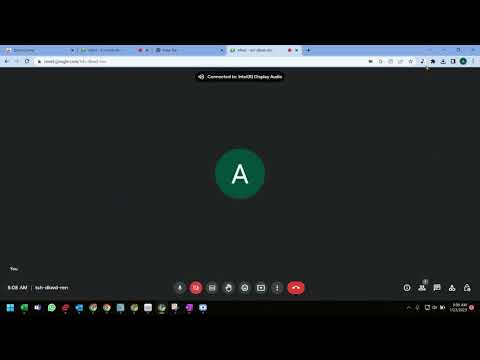
️⬇️ Easy to set up ⬇️: 1. Install and pin 📌 the extension, log in to your google account and sync your Chrome browser. 2. Select the participants' view in Google Meet, accept the permissions, close and reopen the people to capture attendance. 3. Click the Attendance icon of the extension to open the attendance spreadsheet. 4. Attendance along with the attended duration will be exported in a spreadsheet. ✨Features ✨ Auto features of the extension include: 1. Add a sheet in the spreadsheet. 2. Create a new spreadsheet. 3. Turn Attendance collection off. 4. Auto scroll through participants. 5. Snapshot attendance. With this extension, you will be able to auto-record the attendance of the participants in a google spreadsheet. This extension will let you re-size the browser's window 💻 in order to emulate various resolutions.
5 su 52 valutazioni
Dettagli
- Versione1.0.0
- Ultimo aggiornamento:8 febbraio 2023
- Elemento offerto danavy
- Dimensioni13.11KiB
- LingueEnglish
- Sviluppatore
Email
navyseals2709@gmail.com - Non commercianteQuesto sviluppatore non si è identificato come commerciante. Per quanto riguarda i consumatori nell'Unione Europea, tieni presente che i diritti del consumatore non sono applicabili ai contratti stipulati tra te e questo sviluppatore.
Privacy

Questo sviluppatore dichiara che i tuoi dati:
- Non vengono venduti a terze parti, se non per i casi d'uso approvati.
- Non vengono usati o trasferiti per finalità non correlate alle funzionalità principali dell'elemento.
- Non vengono usati o trasferiti per stabilire l'affidabilità creditizia o per finalità di prestito.
Assistenza
Per ricevere assistenza in merito a domande, suggerimenti o problemi, apri questa pagina nel browser desktop