

Google Meet Attendance Tracker (new)

Ülevaade
Attendance sheet from a Google Meet meeting.
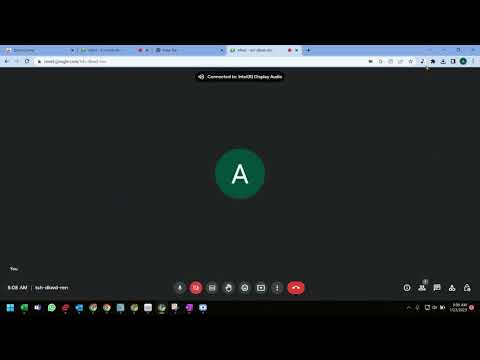
️⬇️ Easy to set up ⬇️: 1. Install and pin 📌 the extension, log in to your google account and sync your Chrome browser. 2. Select the participants' view in Google Meet, accept the permissions, close and reopen the people to capture attendance. 3. Click the Attendance icon of the extension to open the attendance spreadsheet. 4. Attendance along with the attended duration will be exported in a spreadsheet. ✨Features ✨ Auto features of the extension include: 1. Add a sheet in the spreadsheet. 2. Create a new spreadsheet. 3. Turn Attendance collection off. 4. Auto scroll through participants. 5. Snapshot attendance. With this extension, you will be able to auto-record the attendance of the participants in a google spreadsheet. This extension will let you re-size the browser's window 💻 in order to emulate various resolutions.
5/52 hinnangut
Üksikasjad
- Versioon1.0.0
- Värskendatud8. veebruar 2023
- Pakub:navy
- Suurus13.11KiB
- KeeledEnglish
- Arendaja
E-post
navyseals2709@gmail.com - MittekauplejaSee arendaja pole ennast kauplejaks määranud. Pange tähele, et Euroopa Liidu tarbijate puhul ei kehti tarbijaõigused teie ja selle arendaja vahelistele lepingutele.
Privaatsus

See arendaja kinnitab, et teie andmeid:
- ei müüda kolmandatele osapooltele väljaspool heakskiidetud kasutusjuhtumeid;
- ei kasutata ega edastata eesmärkidel, mis pole seotud üksuse põhifunktsiooniga;
- ei kasutata ega edastata krediidivõime väljaselgitamiseks ega laenu pakkumiseks.
Tugi
Küsimuste, soovituste või probleemide korral abi saamiseks avage see leht oma arvutibrauseris