

Google Meet Attendance Tracker (new)

Descripción general
Attendance sheet from a Google Meet meeting.
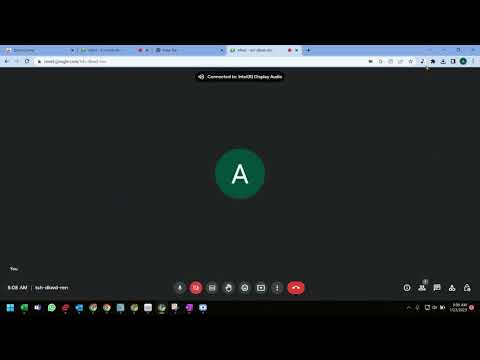
️⬇️ Easy to set up ⬇️: 1. Install and pin 📌 the extension, log in to your google account and sync your Chrome browser. 2. Select the participants' view in Google Meet, accept the permissions, close and reopen the people to capture attendance. 3. Click the Attendance icon of the extension to open the attendance spreadsheet. 4. Attendance along with the attended duration will be exported in a spreadsheet. ✨Features ✨ Auto features of the extension include: 1. Add a sheet in the spreadsheet. 2. Create a new spreadsheet. 3. Turn Attendance collection off. 4. Auto scroll through participants. 5. Snapshot attendance. With this extension, you will be able to auto-record the attendance of the participants in a google spreadsheet. This extension will let you re-size the browser's window 💻 in order to emulate various resolutions.
5 de 52 calificaciones
Detalles
- Versión1.0.0
- Fecha de actualización8 de febrero de 2023
- Ofrecido pornavy
- Tamaño13.11KiB
- IdiomasEnglish
- Desarrollador
Correo electrónico
navyseals2709@gmail.com - No comercianteEl desarrollador no se identificó como comerciante. Si eres un consumidor de la Unión Europea, ten en cuenta que los derechos de los consumidores no aplican a los contratos entre el desarrollador y tú.
Privacidad

Este desarrollador declara el siguiente tratamiento de tus datos:
- No se venden a terceros, excepto en los casos de uso aprobados
- No se utilizan ni transfieren para fines no relacionados con la funcionalidad principal del elemento
- No se utilizan ni transfieren para determinar tu solvencia ni ofrecer préstamos
Asistencia
Si tienes preguntas, sugerencias o problemas, abre esta página en tu navegador para computadoras