


Overview
Search images using Google Lens directly from the context menu
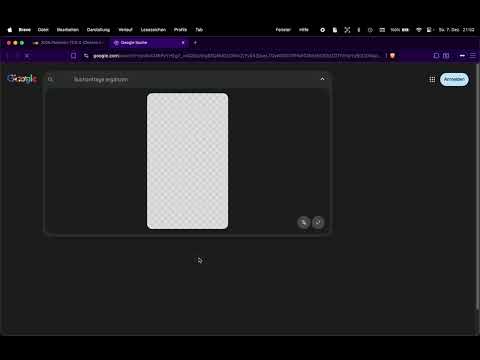
This extension makes it easy to search with Google Lens. If you see an image or want to highlight a part of a webpage, just right-click and Google Lens will open with the results right away. You can also click the extension icon and drag to select an area on the page. As soon as you release the mouse, it searches directly with Google Lens, no extra steps. It’s simple, fast, and very handy if you want to recognize images, find products, copy text from pictures, or just get more information about something you see online. Recent Updates: Added Languages & Minimalism: Now supports multiple languages for better accessibility, alongside a new minimalist mode with absolutely no text. Just pure functionality. Better Performance: Under-the-hood improvements for even faster search execution.
4.8 out of 592 ratings
Details
- Version3.4.0
- UpdatedOctober 15, 2026
- Offered bymac_marc
- Size56.09KiB
- Languages30 languages
- Developer
Email
marcholenstein93@gmail.com - Non-traderThis developer has not identified itself as a trader. For consumers in the European Union, please note that consumer rights do not apply to contracts between you and this developer.
Privacy

This developer declares that your data is
- Not being sold to third parties, outside of the approved use cases
- Not being used or transferred for purposes that are unrelated to the item's core functionality
- Not being used or transferred to determine creditworthiness or for lending purposes
Support
For help with questions, suggestions, or problems, please open this page on your desktop browser