


Overview
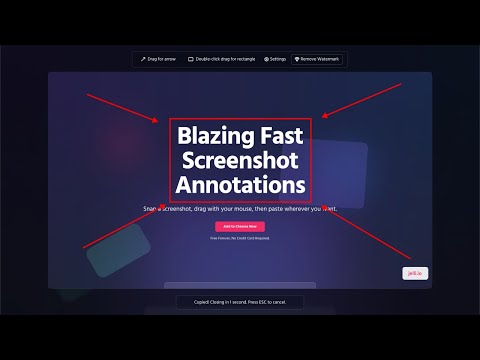
Blazing fast screenshot annotations
Constantly pointing out things on your screen to customers, clients, and coworkers? Jelli is the FASTEST way to annotate a screenshot and paste it anywhere. Hit a hotkey (cmd + shift + s), drag with your mouse to draw, then cmd + v to paste wherever you need. You don't even need to copy it to your clipboard, it's automatic! Without Jelli you have to: 1. Take a screenshot with a hotkey 2. Click on a little window to indicate you want to edit it 3. Click the Arrow tool 4. Draw an arrow 5. Switch to Text tool 6. Click where you want to add text 7. Click Copy to Clipboard 8. Paste where you want it to go. With Jelli? Just hotkey, draw, type, and paste! After drawing, the text intelligently snaps to the drawn shapes so you don't even have to move it! FAST. Great for: - Explaining things to customers quickly - Adding Documentation - Highlighting bugs - And much more! Currently only works on the Google Chrome browser.
5 out of 54 ratings
Details
- Version1.9
- UpdatedMay 29, 2026
- FeaturesOffers in-app purchases
- Size536KiB
- LanguagesEnglish
- DeveloperWebsite
Email
hello@jelli.io - Non-traderThis developer has not identified itself as a trader. For consumers in the European Union, please note that consumer rights do not apply to contracts between you and this developer.
Privacy

Jelli Screencaps has disclosed the following information regarding the collection and usage of your data. More detailed information can be found in the developer's privacy policy.
Jelli Screencaps handles the following:
This developer declares that your data is
- Not being sold to third parties, outside of the approved use cases
- Not being used or transferred for purposes that are unrelated to the item's core functionality
- Not being used or transferred to determine creditworthiness or for lending purposes
Support
For help with questions, suggestions, or problems, please open this page on your desktop browser