

Gmail Sender Icons

Przegląd
Quickly identify the sender of email messages in Gmail without opening the message.
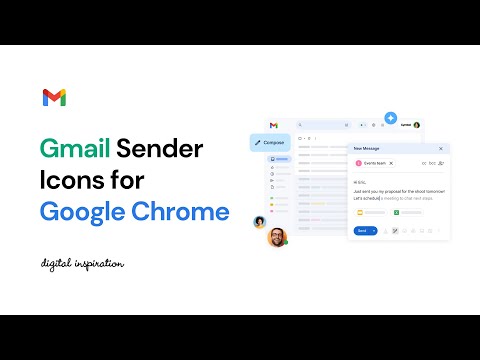
Gmail Sender Icons is a Google Chrome extension that makes it easy for you to quickly and visually identify email senders in Gmail. It shows the company domain name of the email sender and the official logo (favicon) of the sender's organization alongside the email message. For instance, if you receive an email from larry@google.com, the Gmail extension will add a virtual label google.com to your email message and also a logo of the Google website next to the message so you can immediately identify the sender in the email list. Gmail Sender Icons has been featured on Product Hunt, LifeHacker, The Next Web and host of popular websites. The favicons and the sender's domain are visible across Gmail including search results. The sender's label is applied virtually and the actual labels of the email message are left unchanged. The Gmail Chrome extension uses the Google S2 service for generating the website's favicon while the Gmail messages are parsed with the Inbox SDK framework. All processing is done locally in your browser and no Gmail data is ever shared or uploaded anywhere. The add-on is open source and the code is available on Github.
4,4 na 5130 ocen
Szczegóły
- Wersja4.0
- Zaktualizowano27 lipca 2024
- Rozmiar1.39MiB
- JęzykiEnglish
- Deweloper
- Osoba niebędąca przedsiębiorcąTen deweloper nie określił, że jest przedsiębiorcą. Pamiętaj, że prawa konsumentów nie obowiązują w przypadku umów zawartych między tym deweloperem a konsumentami z Unii Europejskiej.
Prywatność

Ten wydawca oświadcza, że Twoje dane
- nie są sprzedawane osobom trzecim (z wyjątkiem uzasadnionych przypadków)
- nie są używane ani przesyłane w celach niezwiązanych z podstawową funkcją produktu,
- nie są używane ani przesyłane w celu ustalenia zdolności kredytowej lub udzielania pożyczek.
Pomoc
Jeśli masz pytania, sugestie lub problemy, otwórz tę stronę w przeglądarce na komputerze