


개요
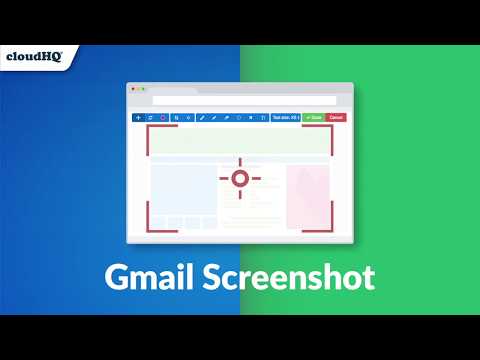
Take a screenshot, markup and annotate it. Easy share, anywhere
This is a lightweight Chrome extension that will let you screenshot anything you see on your screen, so you can do any of the following on your screen capture: ☑︎ Write text ☑︎ Crop ☑︎ Use arrows ☑︎ Pixelate sensitive information ☑︎ Include rectangular boxes or lines ☑︎ Get a link of your marked up image to send to anyone! ☑︎ Share and collaborate on screenshots ☑︎ Full Gmail email message and email conversation screenshots ☑︎ Forward email messages or email conversations as screenshots ☑︎ Save screenshots to Google Drive, Dropbox, Box ☑︎ Save screenshots as PDF This is an excellent communication tool for any graphic designers, remote teams, project leaders, and more! cloudHQ. Helping your productivity, 1 click at a time. Website: https://www.screenshot-tool.com/ cloudHQ website: https://www.cloudhq.net Pricing: FREE Support page: https://support.cloudhq.net/category/browser-extensions/gmail-screenshot/ Blog: https://blog.cloudhq.net Gmail, Google Calendar, and Google Workspace are trademarks of Google LLC. Use of these trademarks is subject to Google Permissions. cloudHQ is trademark of CloudHQ LLC. https://www.cloudhq.net/trademark
5점 만점에 4.6점평점 98개
세부정보
개인정보 보호

Screenshot Tool by cloudHQ에서 데이터 수집 및 사용과 관련하여 다음 정보를 공개했습니다. 더 자세한 정보는 개발자의 privacy policy을 참고하세요.
Screenshot Tool by cloudHQ 항목은 다음을 처리합니다.
개발자가 사용자 데이터에 관해 다음과 같이 선언했습니다
- 승인된 사용 사례를 제외하고 서드 파티에 판매하지 않음
- 항목의 핵심 기능과 관련 없는 목적으로 사용하거나 전송하지 않음
- 신용도 판단 또는 대출 목적으로 사용하거나 전송하지 않음
지원
질문, 제안 또는 문제와 관련하여 도움이 필요하시면 개발자의 지원 사이트를 방문하세요.