

Glintshot: full-page screenshot and markup

Overview
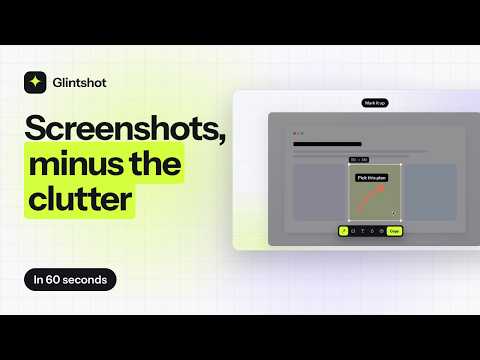
Screenshots, minus the clutter. Capture a region, the visible part, a full page or one element, then mark it up.
Glintshot captures what you see in the browser and lets you mark it up before you share it. Four ways to capture: • Region: drag over part of the page • Visible: everything in view • Full page: the whole page, top to bottom, stitched, with sticky headers shown once • Element: click one card, table or chart, even when it's taller than the window Then mark it up with eight tools: arrow, line, rectangle, pen, text, highlighter, blur and numbered steps. Copy it or download it. Private: it asks for the active tab only, so it sees a page just when you click its button or press its shortcut. Captures stay in your browser and are deleted when the editor tab closes. No analytics, no uploads. Shortcuts: Alt+Shift+V (visible), Alt+Shift+F (full page). Free: every mode, with no daily limits. A Glintshot Pro licence works here and in the desktop app for Mac, Windows and Linux.
0 out of 5No ratings
Details
- Version0.2.0
- UpdatedNovember 1, 2026
- Offered byKubicl
- Size35.32KiB
- LanguagesEnglish
- DeveloperKubicl Technologies
Green Park Colony, DIG Bungalow, Berasia Road 116-B Bhopal, Madhya Pradesh 462001 INEmail
glintshot@kubicl.comPhone
+91 83195 66306 - TraderThis developer has identified itself as a trader per the definition from the European Union and committed to only offer products or services that comply with EU laws.
- D-U-N-S303901443
Privacy

This developer declares that your data is
- Not being sold to third parties, outside of the approved use cases
- Not being used or transferred for purposes that are unrelated to the item's core functionality
- Not being used or transferred to determine creditworthiness or for lending purposes
Support
For help with questions, suggestions, or problems, visit the developer's support site