

Gesture Navigation

Overview
Navigate with mouse gestures
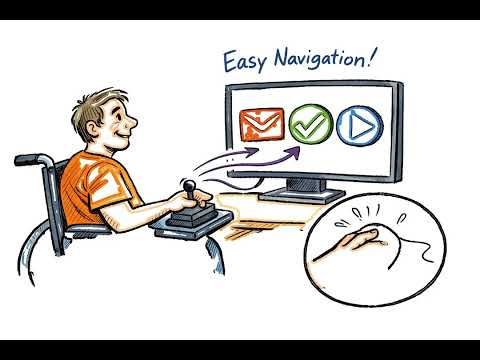
Gesture Navigation - Control Your Browser with Mouse Gestures Navigate Chrome more efficiently using intuitive mouse gestures. Simply hold the right mouse button and draw gestures to perform common browsing actions instantly. KEY FEATURES: • Navigate back and forward in browser history with simple swipes • Reload pages, open/close tabs with gesture shortcuts • Scroll to top or bottom of pages quickly • Visual trail feedback shows your gesture path • Customizable gesture sensitivity and trail color • Exclude specific websites from gesture detection • Works on all websites DEFAULT GESTURES: ← Left: Go back in history → Right: Go forward in history ↓ Down: Reload page ↑↓ Up-Down: Close current tab ↓→ Down-Right: Open new tab ←↑ Left-Up: Reopen last closed tab →↓ Right-Down: Scroll to bottom →↑ Right-Up: Scroll to top HOW TO USE: 1. Hold the right mouse button 2. Draw a gesture (like moving left or right) 3. Release to execute the action 4. Configure settings by clicking the extension icon Perfect for power users who want to browse faster without relying on keyboard shortcuts or clicking buttons. Boost your productivity and enjoy a smoother browsing experience.
0 out of 5No ratings
Details
- Version1.1
- UpdatedJanuary 6, 2026
- Offered bybareli
- Size68.95KiB
- LanguagesEnglish (United States)
- Developerprivate
1 Snonit st. Caesarea 3079127 ILEmail
bareli@gmail.com - Non-traderThis developer has not identified itself as a trader. For consumers in the European Union, please note that consumer rights do not apply to contracts between you and this developer.
Privacy

This developer declares that your data is
- Not being sold to third parties, outside of the approved use cases
- Not being used or transferred for purposes that are unrelated to the item's core functionality
- Not being used or transferred to determine creditworthiness or for lending purposes