


Overview
[IMPORTANT: Prerequisite] This extension REQUIRES the "VOICEVOX" engine (free speech synthesis software) to be running on your…
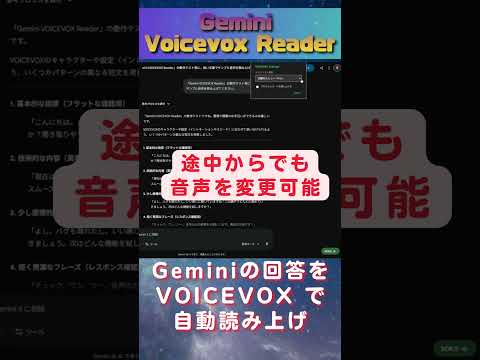
[IMPORTANT: Prerequisite] This extension REQUIRES the "VOICEVOX" engine (free speech synthesis software) to be running on your local machine to function. Official site: https://voicevox.hiroshiba.jp/ --- Gemini VOICEVOX Reader is a Chrome extension that automatically reads aloud Google Gemini's responses using high-quality synthesized voices. - Key Features: - Automatic Reading: Seamlessly detects Gemini's response and starts playback. - Character Selection: Choose from various voices available in your local VOICEVOX instance. - Customizable: Option to skip reading code blocks and clean up Markdown symbols for natural pronunciation. - Low Latency: Optimized for smooth playback even with long AI responses. How to Start: 1. Launch the VOICEVOX application on your PC. 2. Open Google Gemini (https://gemini.google.com/). 3. Click the "VOICE 🔇" button at the bottom right to enable audio.
1.5 out of 52 ratings
Details
- Version1.5
- UpdatedMarch 24, 2026
- Size99.29KiB
- Languages日本語
- DeveloperWebsite
Email
lain.devs@gmail.com - Non-traderThis developer has not identified itself as a trader. For consumers in the European Union, please note that consumer rights do not apply to contracts between you and this developer.
Privacy

This developer declares that your data is
- Not being sold to third parties, outside of the approved use cases
- Not being used or transferred for purposes that are unrelated to the item's core functionality
- Not being used or transferred to determine creditworthiness or for lending purposes
Support
For help with questions, suggestions, or problems, visit the developer's support site