

PDF Editor - Rahul Bindal

Overview
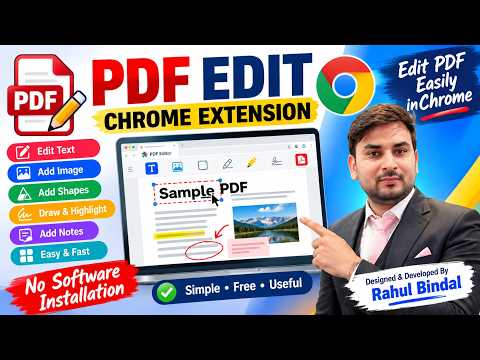
Edit, annotate, sign, merge and organize PDFs in a full-page editor. Designed & Developed by Rahul Bindal.
PDF Editor lets you open, edit, annotate and export PDFs in a full-page editor, right inside Chrome. No account, no upload, no subscription. Everything runs on your device, so your files stay private. WHAT YOU CAN DO Edit - Edit existing text directly on the page - Add new text boxes with font, size, bold, italic and color - Highlight, underline and strike through selected text Draw and annotate - Freehand pen - Rectangles, ellipses and arrows - Adjustable color, thickness and opacity Images and signatures - Insert images (PNG, JPG, WebP, GIF) - Delete images already in the PDF - Draw your signature and place it anywhere; optionally save it on your device for next time Organize pages - Reorder pages by dragging thumbnails - Rotate or delete pages - Merge multiple PDFs into one - Add a text or image watermark to every page Comfortable to use - Undo and redo - Continuous or single-page view - Zoom, fit-to-width and fit-to-page - Keyboard shortcuts for common tools - Drag and drop a PDF to open it OPEN PDFs AUTOMATICALLY PDF links can open straight in the editor. You can turn this on or off by right-clicking the extension icon. You can also right-click any link and choose "Open link in PDF Editor". PRIVACY Your PDFs are processed locally in your browser. Nothing is uploaded to any server, and no personal data is collected. HOW TO USE 1. Click the PDF Editor icon in the toolbar. 2. Drop a PDF onto the page or click "Choose PDF". 3. Edit, annotate or organize. 4. Click Download to save your updated PDF. Note: to edit PDF files stored on your computer, enable "Allow access to file URLs" for this extension in chrome://extensions, or simply drag and drop the file into the editor. ABOUT Designed & Developed by Rahul Bindal YouTube: https://www.youtube.com/@bindalrahul
0 out of 5No ratings
Details
- Version1.1.0
- UpdatedOctober 10, 2026
- Offered byrbindal2811
- Size854KiB
- LanguagesEnglish
- Developer
Email
rbindal2811@gmail.com - Non-traderThis developer has not identified itself as a trader. For consumers in the European Union, please note that consumer rights do not apply to contracts between you and this developer.
Privacy

This developer declares that your data is
- Not being sold to third parties, outside of the approved use cases
- Not being used or transferred for purposes that are unrelated to the item's core functionality
- Not being used or transferred to determine creditworthiness or for lending purposes
Support
For help with questions, suggestions, or problems, please open this page on your desktop browser