

GCal Time Peek
5.0(
1 rating
)ExtensionWorkflow & Planning15 users

Overview
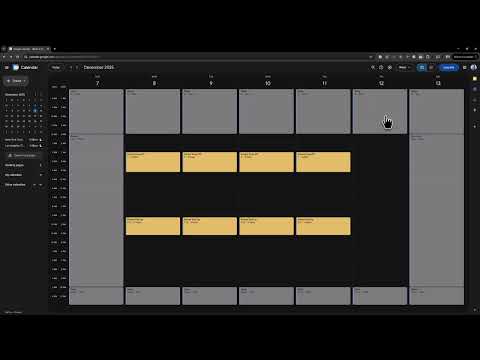
Shows time labels when hovering over timeslots in Google Calendar week view
When using Google Calendar's week view, time labels (e.g., 08:00, 09:00) are only displayed on the left-hand side. When creating or editing appointments on the right side of the view, it can be difficult to determine exactly which time slot you're working with. This extension shows a tooltip or inline block with the exact timespan when you hover your mouse over any timeslot in the calendar grid, making it much easier to schedule appointments accurately. There's also a third option showing crosshairs for the column and row.
5 out of 51 rating
Details
- Version1.0.0
- UpdatedNovember 25, 2025
- Offered byColossal
- Size37.78KiB
- LanguagesEnglish
- Developer
Email
support@colossal.nz - Non-traderThis developer has not identified itself as a trader. For consumers in the European Union, please note that consumer rights do not apply to contracts between you and this developer.
Privacy

Manage extensions and learn how they're being used in your organization
The developer has disclosed that it will not collect or use your data.
This developer declares that your data is
- Not being sold to third parties, outside of the approved use cases
- Not being used or transferred for purposes that are unrelated to the item's core functionality
- Not being used or transferred to determine creditworthiness or for lending purposes