


Overview
Save webpage highlights and screenshots, organize research with projects and tags, and export notes or back them up to the cloud.
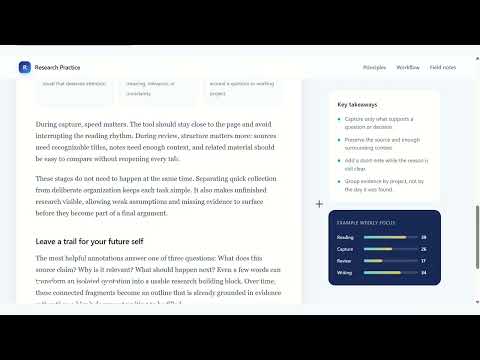
GatherQuill helps you capture, organize, revisit, and reuse useful information as you browse the web. Save important passages, capture and annotate webpage screenshots, and organize your research into projects without leaving the page. When you’re ready to write, export your saved research as Markdown. Features • Highlight selected text on webpages • Capture and annotate webpage screenshots • Add notes to saved items • Organize highlights and screenshots by project • Search and filter saved items with tags • Export your research as Markdown • Enable or disable GatherQuill on the current page • Jump back to saved highlights and screenshot locations Your saved content is stored locally in your browser by default. Signing in is optional. If you choose to enable cloud backup, your selected content can be backed up and synced across devices. What’s new in 2.0.4 • Added cloud library update notifications and the option to pull changes from the cloud. • Improved cloud sync reliability, including recovery after missed updates and reconnects. • Improved saved highlight restoration and positioning while scrolling. • Fixed sidebar and sign-in issues, and improved overall stability.
0 out of 5No ratings
Details
- Version2.0.4
- UpdatedOctober 27, 2026
- Size163KiB
- LanguagesEnglish (United States)
- Developer
- Non-traderThis developer has not identified itself as a trader. For consumers in the European Union, please note that consumer rights do not apply to contracts between you and this developer.
Privacy

GatherQuill has disclosed the following information regarding the collection and usage of your data. More detailed information can be found in the developer's privacy policy.
GatherQuill handles the following:
This developer declares that your data is
- Not being sold to third parties, outside of the approved use cases
- Not being used or transferred for purposes that are unrelated to the item's core functionality
- Not being used or transferred to determine creditworthiness or for lending purposes
Support
For help with questions, suggestions, or problems, visit the developer's support site