


概述
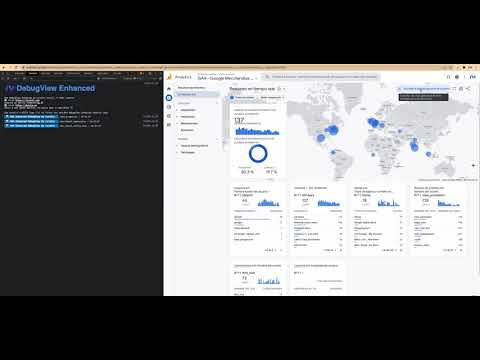
Prints on console all the params and their values when clicking over an event logged into the GA4/Firebase DebugView/Usersnapshot.
DebugView Helper for Digital Analysts The Google Analytics 4 (GA4) Enhanced DebugView by Luratic lets you to see all the params contained into an event at a glance. Install the extension, visit the page where the Google Analytics 4 (GA4)/Firebase events timeline is showed, turn it on clicking over the extension icon and click whatever the event. It will be logged in the console. You don't need to click over each param one by one and the values will not be truncated anymore. GA4 DebugView Enhanced by Luratic Corp🦑, © 2022 Luratic 🌐 visit https://luratic.com Powered by Datola Community🌊🍻 🌐 visit https://datola.es Feito a man dende Galicia con moito amor e sentidiño 💙
5 星(5 星制)5 个评分
详情
隐私权

“GA4 Enhanced DebugView by Luratic”已就收集和使用用户数据披露了以下信息。 如需了解详情,请查看开发者的privacy policy。
GA4 Enhanced DebugView by Luratic会处理以下数据:
该开发者已声明,您的数据:
- 不会因未获批准的用途出售给第三方
- 不会为实现与产品核心功能无关的目的而使用或转移
- 不会为确定信用度或放贷目的而使用或转移
支持
若有任何疑问、建议或问题,请在桌面浏览器中打开此页面