


概述
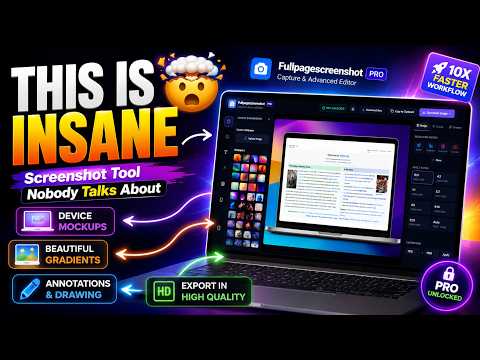
捕获全页或自定义区域截图,使用高级仪表板进行编辑,并保存为JPEG、PNG和PDF等多种格式。
FullPageScreenshot - The Ultimate Screenshot Tool Take your productivity to the next level with FullPageScreenshot, the most advanced and user-friendly screenshot tool. Whether you need to capture an entire webpage, a specific section, or a custom area, FullPageScreenshot has you covered! Key Features: Full-Page Screenshots: Capture the entire webpage, no matter how long it is. Custom-Area Screenshots: Select and capture only the part you need. Advanced Editing Dashboard: Edit your screenshots with precision. Add annotations, text, highlights, shapes, and more. Multiple Download Formats: Save your screenshots in JPEG, PNG, or PDF to suit your needs. User-Friendly Interface: Simple, intuitive, and efficient design for effortless use. High-Quality Output: Ensure your screenshots look sharp and professional. Who Is It For? FullPageScreenshot is perfect for: Students: Capture notes, assignments, and study material. Professionals: Document workflows, create reports, or share project updates. Designers & Developers: Grab website snapshots for reviews and presentations. Anyone: Who wants a reliable, easy-to-use tool to capture and edit screenshots! Why Choose FullPageScreenshot? FullPageScreenshot isn’t just another screenshot tool. It’s a productivity powerhouse designed to save you time and make your work easier. With its seamless features and advanced editing options, you’ll wonder how you managed without it. Download FullPageScreenshot now and take control of your screenshots like never before!
4.3 星(5 星制)6 个评分
详情
隐私权

该开发者已声明,您的数据:
- 不会因未获批准的用途出售给第三方
- 不会为实现与产品核心功能无关的目的而使用或转移
- 不会为确定信用度或放贷目的而使用或转移
支持
若有任何疑问、建议或问题,请访问开发者的支持网站