


Overview
Capture complete webpages as a single high-quality image.
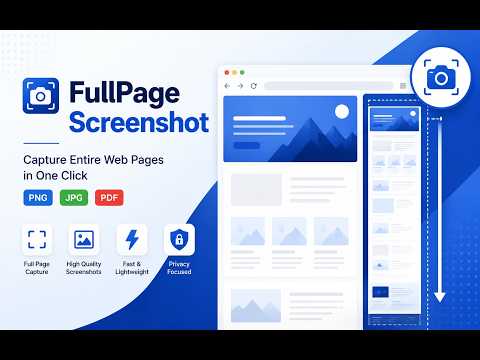
Capture full-page screenshots free chrome plugin is to take screenshot of any website in a single click. FullPage Screenshot lets you save an entire webpage, including content below the visible screen, without manually scrolling or stitching images. Create high-quality screenshots for documentation, design reviews, bug reports, research, presentations, and content sharing. Save your captures as PNG for easy access and offline use. Features Capture the entire webpage instantly Save screenshots as PNG High-quality full-page screen capture Fast and lightweight Chrome extension Works on most websites Privacy focused with local processing .
5 out of 51 rating
Details
- Version1.0.0
- UpdatedAugust 8, 2026
- Size56.0KiB
- LanguagesEnglish
- DeveloperHICODER PRIVATE LIMITEDWebsite
Unit 201, Level 2, iKeva (Inani House), Plot No 264, Kavuri Hills Madhapur, Phase II Hyderabad, Telangana 500033 INEmail
hello@mixcommerce.co - Non-traderThis developer has not identified itself as a trader. For consumers in the European Union, please note that consumer rights do not apply to contracts between you and this developer.
Privacy

FullPage Screenshot has disclosed the following information regarding the collection and usage of your data. More detailed information can be found in the developer's privacy policy.
FullPage Screenshot handles the following:
This developer declares that your data is
- Not being sold to third parties, outside of the approved use cases
- Not being used or transferred for purposes that are unrelated to the item's core functionality
- Not being used or transferred to determine creditworthiness or for lending purposes
Support
For help with questions, suggestions, or problems, please open this page on your desktop browser