

Full Page Screenshot - Scroll, Area & Full Capture

Overview
Capture full pages, areas, or scrolling selections — and copy every shot to your clipboard to paste with Ctrl+V.
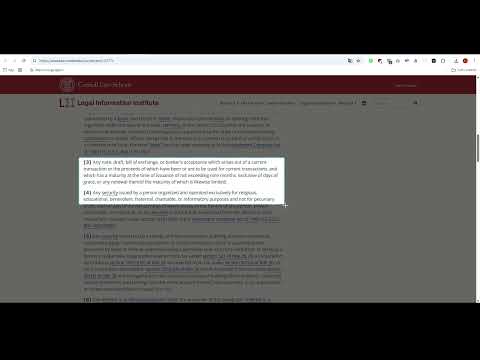
Full Page Screenshot — capture entire web pages, precise areas, or scrolling selections with a single click. Every capture is also copied straight to your clipboard, ready to paste with Ctrl+V. Three capture modes: - Full Page — automatically scrolls and stitches the entire page into one image - Visible Only — captures exactly what you see on screen - Select Area — drag to select a custom region, with auto-scroll when you reach the viewport edge Features: - Copy to clipboard — every screenshot is instantly copied to your clipboard, so you can paste it anywhere with Ctrl+V (toggle it on or off in settings) - Auto-scroll selection — drag past the edge of the screen and the page follows you, so you can select areas longer than the viewport - Water-fill animation shows capture progress in real time - Smooth scrolling for seamless full-page captures - Smart detection of scrollable containers (not just the main page) - Hides sticky headers/footers so they don't repeat in your screenshot - Saves directly to your Downloads folder — no cloud, no account needed Privacy first: zero data collection, zero tracking, zero analytics. Everything stays on your device. Right-click the extension icon to change capture mode anytime.
0 out of 5No ratings
Details
- Version9.6
- UpdatedJune 19, 2026
- Size1.02MiB
- LanguagesEnglish (United Kingdom)
- Developer
Email
lollotj@yahoo.it - Non-traderThis developer has not identified itself as a trader. For consumers in the European Union, please note that consumer rights do not apply to contracts between you and this developer.
Privacy

This developer declares that your data is
- Not being sold to third parties, outside of the approved use cases
- Not being used or transferred for purposes that are unrelated to the item's core functionality
- Not being used or transferred to determine creditworthiness or for lending purposes