


Overview
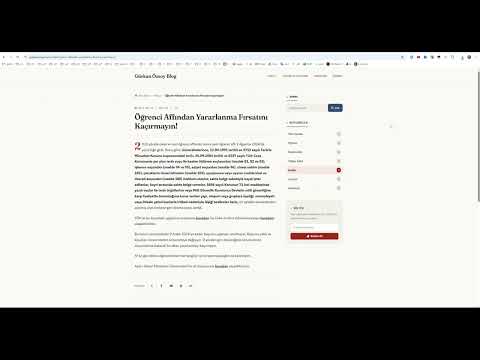
Saves the whole page or just the visible area as a single-piece PNG, WebP or PDF. Optionally adds a note at the bottom.
Standard screenshots can be easily manipulated using the "Inspect Element" feature, while traditional webpage saving methods often result in broken CSS structures, missing style elements, and unverified files. This extension solves this problem by generating pixel-perfect images or documents directly within your browser—simply and in three formats (PDF, PNG, and WEBP). 🚀 IMPORTANT NOTES + [October 3, 2026] - Version 2.0.2 introduces critical updates and improvements; the extension is now more stable and lightweight. 🛠️ HOW IT WORKS IN 2 STEPS 1- Navigate to the target webpage and open the extension. 2- Instantly capture the screen, add personal notes if desired, then generate and download the image or document. It is a completely browser-based tool. It requires no sign-up or external servers, ensuring total privacy.
0 out of 5No ratings
Details
- Version2.0.2
- UpdatedOctober 4, 2026
- Size19.12KiB
- Languages2 languages
- DeveloperWebsite
Email
munib.ozsoy@gmail.com - Non-traderThis developer has not identified itself as a trader. For consumers in the European Union, please note that consumer rights do not apply to contracts between you and this developer.
Privacy

This developer declares that your data is
- Not being sold to third parties, outside of the approved use cases
- Not being used or transferred for purposes that are unrelated to the item's core functionality
- Not being used or transferred to determine creditworthiness or for lending purposes
Support
For help with questions, suggestions, or problems, visit the developer's support site