

Free Screen Recorder, Video Editor, Full Page Screenshot, No Watermark

Overview
Free Chrome screen recorder with studio mode, no watermark, video editor, full page screenshot, annotation, MP4 and WebM.
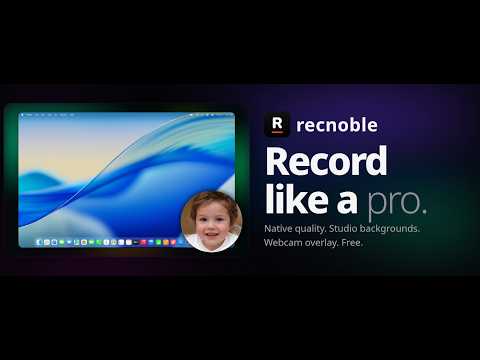
Recnoble is a free Chrome screen recorder with studio mode, no watermark, built-in video editing, full page screenshots, and annotation tools. Record a browser tab, window, or full screen in high quality at up to 60 fps. Use studio mode for a cleaner recording setup, add webcam, microphone, tab audio, or system audio when available, then export your recording as MP4 or WebM. Use the built-in video editor to trim videos, cut unwanted sections, and prepare clean recordings without switching apps. Recnoble works well for tutorials, product demos, walkthroughs, lessons, bug reports, feedback, and support videos. Capture full page screenshots, selected areas, or the visible page. Open captures in the screenshot editor to add annotation, highlights, arrows, drawings, and markup before saving or sharing. Key features: - Free screen recorder for Chrome - No watermark on exported videos - Screen recorder with audio and webcam - High quality recording up to 60 fps - Studio mode for cleaner recording setup - Built-in video editor - Video trimmer and video cutter tools - MP4 and WebM export - Full page screenshot capture - Screenshot editor with annotation tools Recnoble combines screen recording, studio mode, video editing, full page screenshots, and annotation in one Chrome extension.
0 out of 5No ratings
Details
- Version1.0.1
- UpdatedJune 10, 2026
- Size297KiB
- LanguagesEnglish
- DeveloperWebsite
Email
crackion.us@gmail.com - Non-traderThis developer has not identified itself as a trader. For consumers in the European Union, please note that consumer rights do not apply to contracts between you and this developer.
Privacy

This developer declares that your data is
- Not being sold to third parties, outside of the approved use cases
- Not being used or transferred for purposes that are unrelated to the item's core functionality
- Not being used or transferred to determine creditworthiness or for lending purposes