

FigSnap

Overview
Capture a screenshot of the active tab and send it to Figma FigJam as a comment.
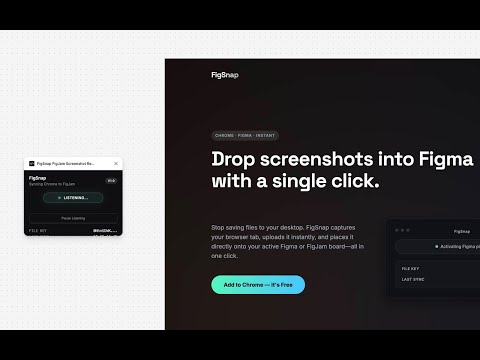
Drop screenshots into Figma with a single click. Stop saving files to your desktop. FigSnap captures your browser tab, uploads it instantly, and places it directly onto your active Figma or FigJam board—all in one click. --- Setup in Seconds FigSnap needs three values to work. Enter them in the Chrome Extension Options page, and you may need to provide them in the Figma plugin on first run: 1. Figma Personal Access Token Generate a PAT in Figma settings with file_comments:read and file_comments:write scopes. This lets FigSnap read and post to your board. 2. Figma File Key Paste the full Figma URL (e.g., figma.com/board/abc123... or figma.com/design/abc123...). FigSnap extracts the key automatically. 3. ImgBB API Key Get a free key at api.imgbb.com. FigSnap uses this to host screenshots temporarily. Install the FigSnap Figma Plugin. https://www.figma.com/community/plugins
0 out of 5No ratings
Details
- Version1.0
- UpdatedDecember 1, 2025
- Offered byemptycan.com
- Size28.3KiB
- LanguagesEnglish
- Developer
Email
jesse.korzan@gmail.com - Non-traderThis developer has not identified itself as a trader. For consumers in the European Union, please note that consumer rights do not apply to contracts between you and this developer.
Privacy

This developer declares that your data is
- Not being sold to third parties, outside of the approved use cases
- Not being used or transferred for purposes that are unrelated to the item's core functionality
- Not being used or transferred to determine creditworthiness or for lending purposes
Support
For help with questions, suggestions, or problems, visit the developer's support site