


Overview
Record browser bugs and upload directly to your Google Drive.
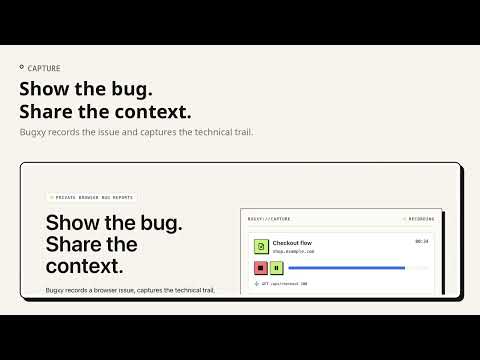
Bugxy helps you capture browser bugs and share the context developers need to investigate them. https://bugxy.tech/ Start a recording from the extension to capture a tab, screen, or window. Bugxy creates a report with the page URL, clicks, console errors and warnings, and network request details captured during the recording. Instead of piecing together what happened from screenshots and notes, you can review and share the report with your team. Recordings are uploaded to your connected Google Drive. Bugxy stores the report’s metadata and technical context so you can access and share it. Capture starts only when you choose to begin a recording. Install Bugxy to make browser bug reports easier to reproduce and investigate.
5 out of 51 rating
Details
- Version1.0.7
- UpdatedNovember 2, 2026
- Size104KiB
- LanguagesEnglish
- DeveloperWebsite
Email
swarupamkumar825@gmail.com - Non-traderThis developer has not identified itself as a trader. For consumers in the European Union, please note that consumer rights do not apply to contracts between you and this developer.
Privacy

Bugxy has disclosed the following information regarding the collection and usage of your data. More detailed information can be found in the developer's privacy policy.
Bugxy handles the following:
This developer declares that your data is
- Not being sold to third parties, outside of the approved use cases
- Not being used or transferred for purposes that are unrelated to the item's core functionality
- Not being used or transferred to determine creditworthiness or for lending purposes
Support
For help with questions, suggestions, or problems, visit the developer's support site