

Overview
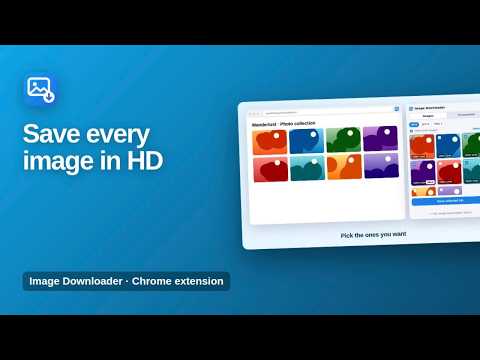
Find every image on a page in the best available resolution, pick the ones you want and save them in bulk. Screenshot included.
Find every image on a web page in the best available resolution, choose the ones you want and save them all at once. Image Downloader collects the images on the page you are viewing, including high-resolution versions and background images, and lets you save one image, a selection or everything with a single click. A screenshot tool for the visible part of the page is included. ★ Best available quality When a page offers several sizes of the same image, the largest one is picked automatically. ★ Pick what you need Tick the images you want or use Select all. You can filter the list by image format and hide small icons and logos with one switch. ★ Reliable bulk download Images are saved into a tidy folder named after the website and the date. Downloads keep running even if you close the popup. ★ Screenshot Capture the visible part of the page and copy it to the clipboard or save it as an image. ★ Light and dark mode The popup follows your system theme. How to use 1. Open any website. 2. Click the Image Downloader icon. 3. Select the images you want or click Save all. Available in six languages. Private by design Image Downloader only reads the page you are on, and only when you open it. Nothing is collected or sent anywhere. Files are saved directly to your Downloads folder. More information: https://www.extensions.kominikee.com/quick-image-extractor/
0 out of 5No ratings
Details
- Version2.1
- UpdatedOctober 22, 2026
- Size24.27KiB
- Languages6 languages
- DeveloperKominike DigitalWebsite
Esentepe, Büyükdere Cd. No:12 Mecidiyeköy, İstanbul 34200 TREmail
hello@kominikee.com - Non-traderThis developer has not identified itself as a trader. For consumers in the European Union, please note that consumer rights do not apply to contracts between you and this developer.
Privacy

This developer declares that your data is
- Not being sold to third parties, outside of the approved use cases
- Not being used or transferred for purposes that are unrelated to the item's core functionality
- Not being used or transferred to determine creditworthiness or for lending purposes
Support
For help with questions, suggestions, or problems, please open this page on your desktop browser