


總覽
右鍵點擊任意壓縮檔連結,即可透過 ezyZip 立即解壓縮。
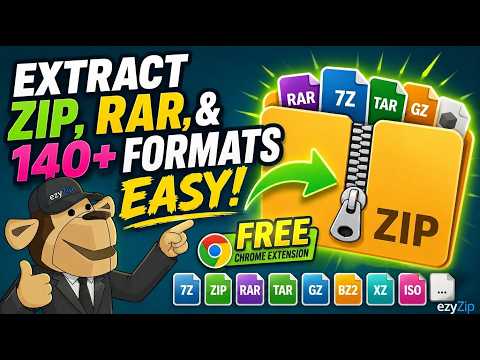
ezyZip File Extractor makes it effortless to open archive files you find while browsing. Right-click any link to an archive file and choose "Extract with ezyZip". The file opens instantly in ezyZip.com's web-based extractor and is decompressed right in your browser. No software to install, no files uploaded to a server, no waiting for downloads. Your files never leave your machine. WHY YOU NEED IT When you click an archive link on a third-party website, most in-browser extractors cannot fetch it due to cross-origin restrictions. This extension solves that problem transparently in the background, so ezyZip can open files from any site you browse. Only requests coming from ezyZip pages are affected. Everything else you do in your browser is completely untouched. HOW IT WORKS 1. Right-click any link to a supported archive file. 2. Choose "Extract with ezyZip". 3. The archive opens in a new ezyZip tab and is extracted locally. Files never leave your machine. SUPPORTED FORMATS ezyZip supports over 100 archive formats. Visit ezyZip.com for the full list. PRIVACY This extension does not collect, transmit, or store any personal data. It does not read page content. The only network change it makes is injecting CORS response headers on archive downloads initiated from ezyZip.com and ezyzip.pro pages, which is required so the in-browser extractor can fetch the file. LANGUAGES Available in 15 languages. Auto-detects your browser language and is switchable in the toolbar popup.
5 分 (滿分 5 分)3 個評分
詳細資料
隱私權

這位開發者就你的資料做出下列聲明:
- 除經核准的用途外,不會將你的資料販售給第三方
- 不會基於與商品核心功能無關的目的,使用或轉移資料
- 不會為了確認信用度或基於貸款目的,使用或轉移資料