

eXtract Snippet
38 classificações
)

Vista geral
Extract HTML/CSS snippets from websites. Inspect an element and eXtract HTML CSS
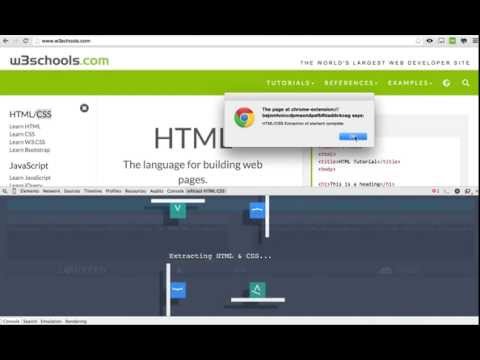
eXtract Snippet may be used to easily extract the HTML & CSS code for any snippet over any website. Extract HTML/CSS snippets from websites in the following way. Install "eXtract Snippet"=> Inspect an element using chrome's developer tools 'inspect element'. Within the developer tools you should also see a panel named "eXtract HTML CSS". Click on to the "eXtract HTML CSS" panel and further click onto the "Get HTML/CSS of inspected element" button withing the panel. Please be patient while the eXtractor filters only the relevant CSS and pulls out the HTML CODE for the inspected snippet. Smaller snippets may get done quickly, bigger snippets may take a while. The final extracted code is a close match to the actual snippet onto the site and can be previewed onto "codepen", "jsfiddle" or "JSbin" by simply clicking on to the buttons below the eXtracted code. Kindly note that media queries are extracted in version 1.4 , but has been duplicated for each selector within the same media rule. 1.4 comes with an update of extracting HTML & CSS from iframes too.
3,1 de 538 classificações
Detalhes
- Versão1.5
- Atualizado20 de abril de 2016
- Disponibilizado porMelwyn Pawar
- Tamanho297KiB
- IdiomasEnglish
- Não comercianteEste programador não se identificou como comerciante. Para os consumidores na União Europeia, tenha em atenção que os direitos dos consumidores não se aplicam aos contratos entre si e este programador.