

Exporter for NotebookLM™ & Gemini Notebook™ - PDF, Word, Markdown

Overview
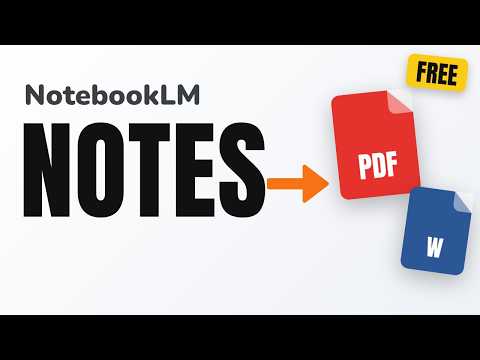
Notebook Saver: export your NotebookLM (Gemini Notebook) chat with cited sources, notes and sources list to PDF, Word or Markdown.
Notebook Saver exports what your NotebookLM (Gemini Notebook) page shows as a file: the chat with its cited sources, the open note, or the list of sources. WHAT IT DOES - Chat: questions and answers in order, with tables, lists, code and formulas kept. Each answer ends with the sources it cites, numbered [1], [2]... - Open note: the note open in Studio, with its title. - Sources list: title and type of every source, as Markdown, CSV or Word. - Formats: Markdown (.md, formulas as $LaTeX$), Word (.docx, formulas as LaTeX text) and PDF (formulas drawn; a print-ready page you save with your browser's Print). HOW TO USE 1. Open a notebook on notebook.google.com. 2. Press Save in the notebook's header, next to Share, and pick an item and a format. 3. For a long chat, scroll the chat to the top first so every turn is loaded. PRIVACY - It reads the page only when you press Save, and only the notebook open in that tab. - Files are built in your browser. No servers, no accounts, no analytics, no ads. It stores nothing and asks for no permissions beyond running on Gemini Notebook pages. Free, with no paid features. Requires Chrome 112 or later. Not affiliated with, endorsed or sponsored by Google. Gemini Notebook and NotebookLM are trademarks of Google LLC. Use of these trademarks is subject to Google Permissions.
0 out of 5No ratings
Details
- Version0.1.0
- UpdatedNovember 12, 2026
- Offered byAI Limits & Handoff
- Size70.97KiB
- LanguagesEnglish (United States)
- Developer
Email
dust8888@proton.me - Non-traderThis developer has not identified itself as a trader. For consumers in the European Union, please note that consumer rights do not apply to contracts between you and this developer.
Privacy

Exporter for NotebookLM™ & Gemini Notebook™ - PDF, Word, Markdown has disclosed the following information regarding the collection and usage of your data. More detailed information can be found in the developer's privacy policy.
Exporter for NotebookLM™ & Gemini Notebook™ - PDF, Word, Markdown handles the following:
This developer declares that your data is
- Not being sold to third parties, outside of the approved use cases
- Not being used or transferred for purposes that are unrelated to the item's core functionality
- Not being used or transferred to determine creditworthiness or for lending purposes