

ExplainItOnce Screen Capture

Overview
Record your screen with a professional cursor overlay and mic narration. Download as ZIP for ExplainItOnce processing.
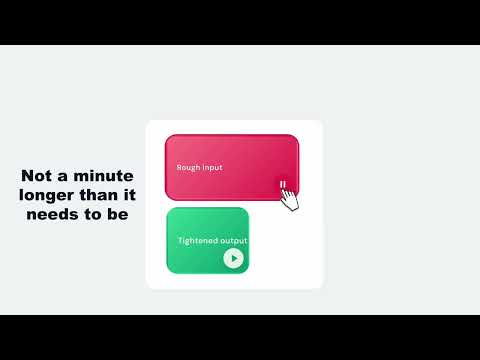
Record your screen with a professional cursor overlay and microphone narration. ExplainItOnce Screen Capture makes it easy to create high-quality screen recordings of your browser window. A smooth, animated cursor overlay replaces the system cursor for professional-looking results — perfect for tutorials, walkthroughs, and presentations. Features: • 4K or 1080p recording quality • Professional smooth cursor overlay (optional) • Microphone narration capture • 3-2-1 countdown before recording starts • One-click download as ZIP file • Works on any website How it works: 1. Click the extension icon and choose your recording quality 2. Select your browser window to share 3. Record your screen with narration 4. Download the recording as a ZIP 5. Upload to ExplainItOnce (app.explainitonce.com) to transform it into a polished video with professional voiceover, summary, and key takeaways Privacy-first design: All recording data stays in your browser. The extension never sends data to any server. You choose when and where to share your recording. No account required.
0 out of 5No ratings
Details
- Version1.0.0
- UpdatedApril 20, 2026
- Size78.45KiB
- LanguagesEnglish
- Developer
Email
joachim.lasoen@gmail.com - Non-traderThis developer has not identified itself as a trader. For consumers in the European Union, please note that consumer rights do not apply to contracts between you and this developer.
Privacy

This developer declares that your data is
- Not being sold to third parties, outside of the approved use cases
- Not being used or transferred for purposes that are unrelated to the item's core functionality
- Not being used or transferred to determine creditworthiness or for lending purposes