


總覽
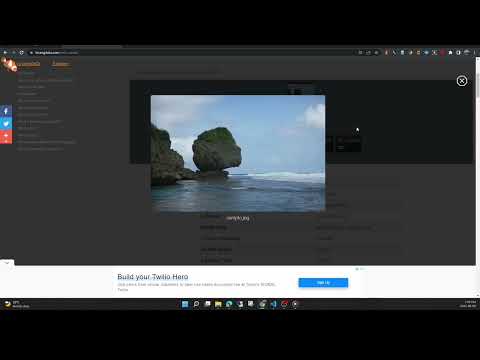
View the EXIF data in your photos. Select photos on your device or on a web page. Simply right-click on an image in a web page.
This free tool lets you open an image from your device, or from a URL, and view its Exif data. You can view the Exif data of a image on any web page by right-click the image and selecting View Exif Info. If the photo contains GPS data, you can view a Google map of the photo's location in a browser tab. There's lots of interesting information held in image files for you to explore. Some images have GPS data, so you can see exactly where it was taken. Some camera makes (like Nikon and FujiFilm) also record the camera's shutter count in the Exif data. A history of your last 10 image URLs is saved for faster selection. Explore other tools from LinangData from the More tools menu, including: Color Picker, Photo Editor; Sketch; the LinangData YouTube channel, etc. Release Notes: 1.0.20 - fixed css issue 1.0.19 - bug fixes
2.9 分 (滿分 5 分)17 個評分
詳細資料
隱私權

這位開發者就你的資料做出下列聲明:
- 除經核准的用途外,不會將你的資料販售給第三方
- 不會基於與商品核心功能無關的目的,使用或轉移資料
- 不會為了確認信用度或基於貸款目的,使用或轉移資料
支援
如有疑問或建議,請使用電腦版瀏覽器開啟這個頁面