


Översikt
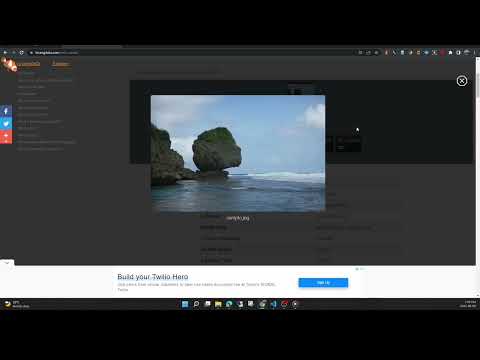
View the EXIF data in your photos. Select photos on your device or on a web page. Simply right-click on an image in a web page.
This free tool lets you open an image from your device, or from a URL, and view its Exif data. You can view the Exif data of a image on any web page by right-click the image and selecting View Exif Info. If the photo contains GPS data, you can view a Google map of the photo's location in a browser tab. There's lots of interesting information held in image files for you to explore. Some images have GPS data, so you can see exactly where it was taken. Some camera makes (like Nikon and FujiFilm) also record the camera's shutter count in the Exif data. A history of your last 10 image URLs is saved for faster selection. Explore other tools from LinangData from the More tools menu, including: Color Picker, Photo Editor; Sketch; the LinangData YouTube channel, etc. Release Notes: 1.0.20 - fixed css issue 1.0.19 - bug fixes
2,9 av 517 betyg
Information
- Version1.0.20
- Uppdaterat29 augusti 2023
- Storlek1.46MiB
- SpråkEnglish (United States)
- UtvecklareWebbplats
E-post
info@linangdata.com - Icke-näringsidkareUtvecklaren har inte angett att den är näringsidkare. Konsumenter i EU bör tänka på att konsumenträttigheter inte gäller för avtal mellan dig och denna utvecklare.
Integritet
Denna utvecklare försäkrar att din data
- inte säljs till tredje part, förutom i godkända användningsfall
- inte används eller överförs för ändamål som inte är relaterade till objektets huvudfunktioner
- inte används eller överförs i syfte att bedöma kreditvärdighet eller för lån.
Support
Om du behöver hjälp med frågor, förslag eller problem kan du öppna den här sidan i webbläsaren på datorn