


Prehľad
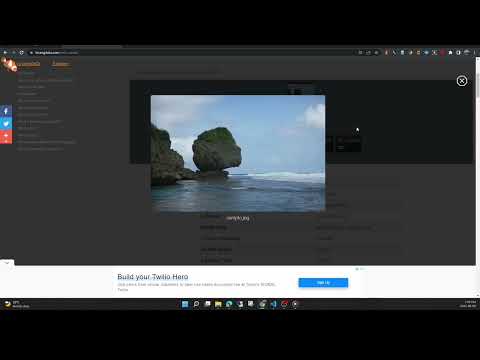
View the EXIF data in your photos. Select photos on your device or on a web page. Simply right-click on an image in a web page.
This free tool lets you open an image from your device, or from a URL, and view its Exif data. You can view the Exif data of a image on any web page by right-click the image and selecting View Exif Info. If the photo contains GPS data, you can view a Google map of the photo's location in a browser tab. There's lots of interesting information held in image files for you to explore. Some images have GPS data, so you can see exactly where it was taken. Some camera makes (like Nikon and FujiFilm) also record the camera's shutter count in the Exif data. A history of your last 10 image URLs is saved for faster selection. Explore other tools from LinangData from the More tools menu, including: Color Picker, Photo Editor; Sketch; the LinangData YouTube channel, etc. Release Notes: 1.0.20 - fixed css issue 1.0.19 - bug fixes
2,9 z 517 hodnotení
Podrobnosti
- Verzia1.0.20
- Aktualizované29. augusta 2023
- Veľkosť1.46MiB
- JazykyEnglish (United States)
- VývojárWebové stránky
E-mail
info@linangdata.com - Neobchodný subjektTento vývojár sa neidentifikoval ako obchodník. Upozorňujeme, že práva spotrebiteľov v Európskej únii sa nevzťahujú na zmluvy uzavreté medzi vami a týmto vývojárom.
Ochrana súkromia

Tento vývojár vyhlasuje, že vaše údaje:
- sa nepredávajú tretím stranám mimo schválených prípadov použitia,
- sa nepoužívajú ani neprevádzajú na účely, ktoré nesúvisia so základnou funkciou položky,
- sa nepoužívajú ani neprevádzajú na zisťovanie úverovej bonity ani na účely poskytovania úverov.
Podpora
Ak máte otázky, návrhy alebo problémy, otvorte túto stránku v prehliadači pre počítače