


סקירה כללית
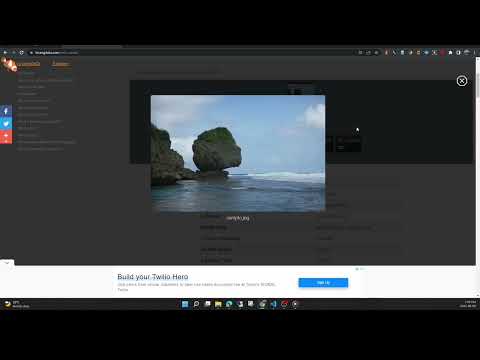
View the EXIF data in your photos. Select photos on your device or on a web page. Simply right-click on an image in a web page.
This free tool lets you open an image from your device, or from a URL, and view its Exif data. You can view the Exif data of a image on any web page by right-click the image and selecting View Exif Info. If the photo contains GPS data, you can view a Google map of the photo's location in a browser tab. There's lots of interesting information held in image files for you to explore. Some images have GPS data, so you can see exactly where it was taken. Some camera makes (like Nikon and FujiFilm) also record the camera's shutter count in the Exif data. A history of your last 10 image URLs is saved for faster selection. Explore other tools from LinangData from the More tools menu, including: Color Picker, Photo Editor; Sketch; the LinangData YouTube channel, etc. Release Notes: 1.0.20 - fixed css issue 1.0.19 - bug fixes
2.9 מתוך 517 דירוגים
פרטים
- גרסה1.0.20
- עדכון אחרון29 באוגוסט 2023
- גודל1.46MiB
- שפותEnglish (United States)
- מפתחאתר
אימייל
info@linangdata.com - לא עסקהמפַתח הזה לא ציין שהפעילות שלו נעשית במסגרת עסק. חשוב לשים לב: זכויות הצרכן לא חלות על חוזים בין צרכנים שנמצאים באיחוד האירופי לבין המפַתח הזה.
פרטיות
המפַתח הזה מצהיר כי הנתונים שלך:
- לא יימכרו לצדדים שלישיים, למעט בתרחישים שאושרו
- לא משמשים או מועברים למטרות שאינן קשורות לפונקציונליות המרכזית של הפריט
- לא משמשים או מועברים לצורך קביעת מצב אשראי או לצורכי הלוואה
תמיכה
כדי לקבל עזרה לגבי שאלות, הצעות או בעיות, אפשר לפתוח את הדף הזה בדפדפן במחשב